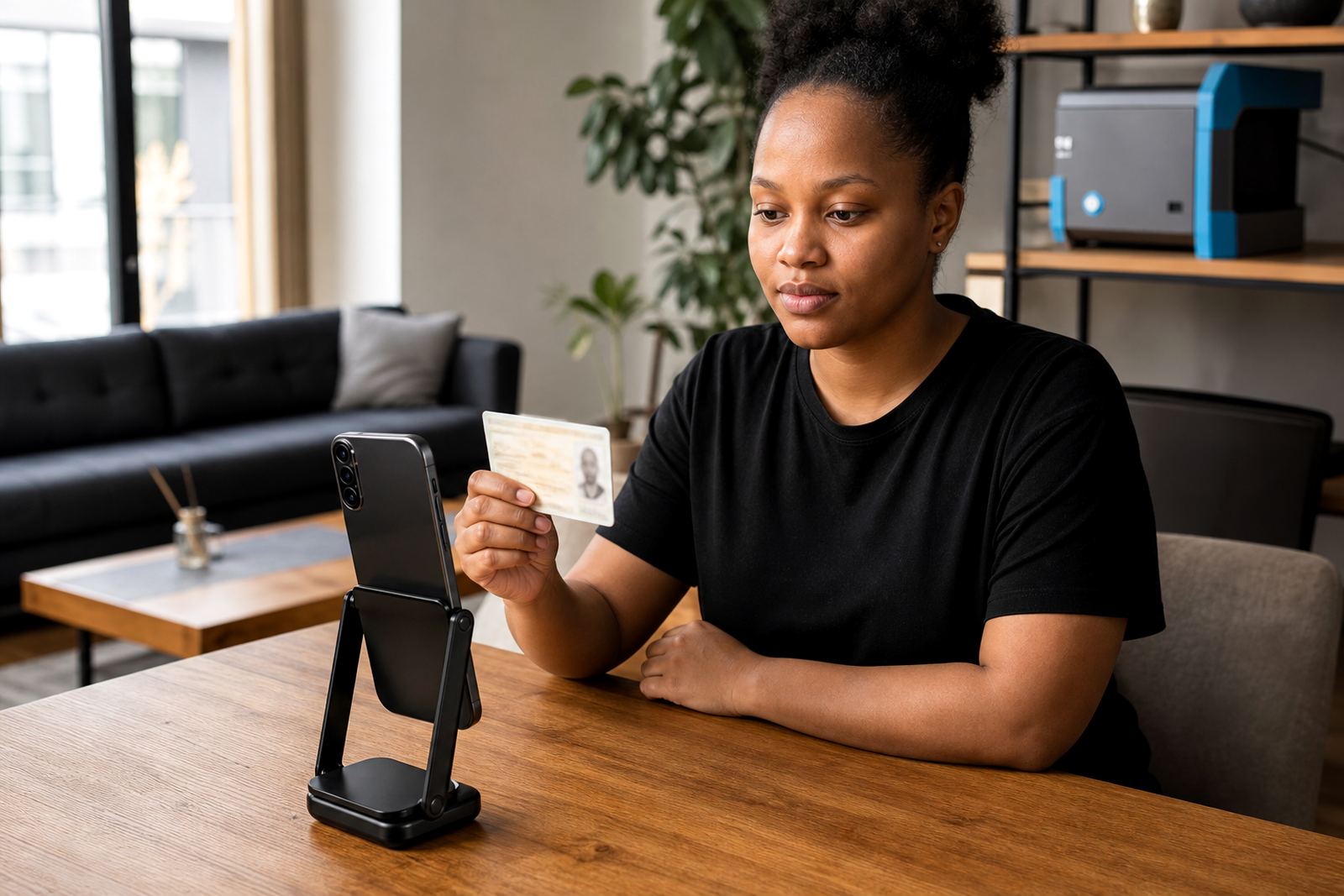
Keeping the video session calm and usable
A guided video session gives the customer a clear sequence to follow, but the agent still has to carry the pace. Good training helps the team open the call with plain instructions, keep the camera view workable, and avoid talking over the customer while the document is being shown.
In practice, that means the team learns how to read the room in a remote setting. Some customers hold the ID too close, some turn the page too fast, and some need the agent to repeat one instruction without sounding irritated. These are small moments, yet they shape whether the session stays tidy or drifts into confusion.
- Opening the session with one clear set of steps
- Keeping instructions short and consistent
- Watching for lighting, glare and camera angle issues
- Handling uncertain moments without rushing the customer
What the team must recognise on the document screen
Training works best when it treats document review as a disciplined habit, not a memory test. The agent needs to know where to look on an ID document, how to spot poor capture quality, and when the image is too weak for a sensible decision. That includes the little things, like faded print, clipped corners, or a face photo that is hard to compare against the live video feed.
Face comparison is not just a visual glance. The team needs a repeatable way to judge whether the person on screen appears to match the document holder, while also checking that the session feels live and present. A quick lesson here is often not enough, because the eye gets lazy if the same examples are never revisited.
- ID capture quality and document clarity
- Photo match against the live participant
- Liveness cues and camera movement
- Signs that a retake or escalation is needed
Script design that sounds human, not stiff
Many teams do better after they rehearse the exact words they use. A good script is not about sounding formal, it is about taking the uncertainty out of the session. When the agent knows the sequence, the customer gets fewer mixed signals and the call feels more orderly.
We often see teams in Johannesburg or Pretoria improve once the language is trimmed down to the essentials. One phrase for opening the session, one phrase for asking for the document, and one phrase for confirming the next step is usually enough. If every agent says the same thing in a different way, the customer has to work harder than necessary.
- Clear opening and closing lines
- Consistent prompts for document display
- Simple wording for consent and recording notices
- Standard phrases for escalation and pause points
Keeping POPIA and FICA language in the room
Training should also cover how the team handles consent, record keeping, and the general reasons a business asks for identity checks. The aim is not to turn agents into lawyers. The aim is to make sure the team understands why records matter, why customer consent must be handled properly, and why the session notes need to stay organised.
That matters in South Africa, where online onboarding often sits inside broader customer due diligence workflows. A well-trained team does not improvise when the customer asks why a document is needed. They use the approved wording, stay calm, and move the session forward without drifting into side conversations.
When this is done well, the agent sounds informed without sounding heavy handed, and the customer can keep moving through the process.
A Durban rollout looks different from a Cape Town one
Remote verification work may be centralised, but the customer experience still shifts by region. A team handling Durban clients may deal with different connection patterns, while a Cape Town rollout might need tighter coordination between the client’s onboarding staff and the verification team. Training needs to prepare the agents for those small differences instead of assuming every branch works the same way.
In Rosebank, one useful exercise is a mock session built around a busy Monday afternoon intake. The agent is asked to work through a document capture, a liveness check, a consent prompt, and a short escalation in one sitting. It sounds simple, yet it exposes whether the script, the handover notes and the quality checks are all pulling in the same direction.
That kind of local practice is more useful than long slide decks. People remember a working sequence better than a lecture.
The training rhythm that keeps standards from slipping
Teams do not usually lose consistency in one dramatic moment. It tends to slip through small changes, a shorter greeting here, a looser escalation there, or a habit of skipping a note because the queue is busy. Regular refresh training closes those gaps before they become normal.
A practical rhythm for verification teams often includes short review sessions, live call observations, and focused coaching on the most common errors. It also helps to keep the training tied to the actual workflow, so the team is not practising one version in the training room and another version on live calls.
- Weekly or monthly refresh sessions for active agents
- Review of difficult sessions and near misses
- Quality monitoring against the live workflow
- Coaching for new scripts, forms or escalation steps