Start with the face, not the room
For a video identity session, the camera should favour the person’s face first. The agent needs a clear view of eyes, nose, mouth and the full outline of the head before asking for the ID document. If the camera sits too low, the chin fills the frame and the forehead disappears. Too high, and the person looks down at the lens like they are reading from a shelf. Keep the lens at eye level or just above it, with the face centred and enough space around the head for small movements.
A good test is simple. Sit where the camera will be used, look straight ahead, then check whether the face stays in frame when the person nods, turns slightly or reaches for an ID card. If the head disappears with small movement, the setup needs adjusting. In Rosebank office spaces, that usually means raising the device on a stand or moving it a little further back from the chair.
Document capture needs a flat, steady line of sight
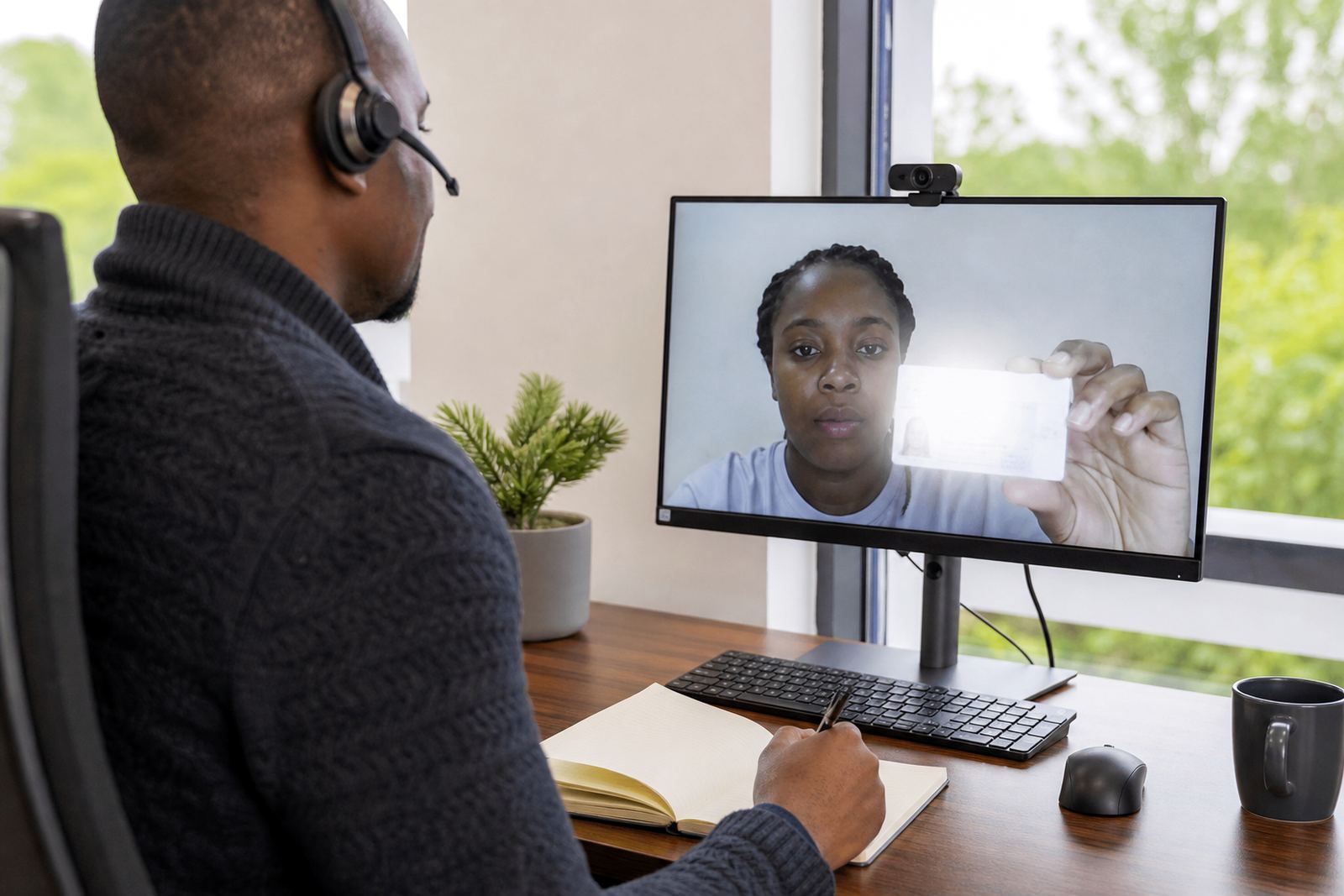
The ID document should be shown on a flat surface or held in a way that keeps the text and photo readable. A camera placed too close can crop the corners of the document, while one that sits too far away turns the card into a blur. The angle matters as much as the distance. If the camera is looking sharply down from one side, reflections can hide the portrait page or the details on the card. A slight downward angle is fine, but the lens should still face the document squarely.
- Place the card in even light, not in shadow from a hand or screen.
- Keep glossy surfaces out of the frame where they throw glare across the photo.
- Use a background with enough contrast so the edges of the document show clearly.
- Ask the customer to hold still for the brief scan, then lower the card when told.
These points sound small, but they matter when the agent is checking the document against the face in the same call.
Leave room for prompts, movement and liveness checks
Video KYC is not only about a still face and a single ID image. The customer may need to turn their head, read a prompt, or repeat a short movement for liveness checks. A camera that is pinned too tightly on the face cuts off those actions. Leave a little breathing room above the head and to both sides. That space lets the agent ask for small head turns, a blink sequence, or a glance back to the lens without losing the frame.
In a Johannesburg onboarding team, one common mistake is to set the camera for a close portrait, then discover there is no room when the prompt changes. The fix is usually to step back a touch and keep the chair and screen aligned. It is a small adjustment but it helps the session feel steadier and less stop-start.
- Keep the head and shoulders visible, not just the eyes.
- Allow enough width for natural side glances.
- Make sure the screen with prompts does not force the face off-centre.
- Avoid camera wobble when the person leans in to listen.
Light, glare and background are part of camera placement
Camera position works with light, not against it. A lens facing a bright window will often turn the face into a dark shape while the document shines back at the camera. The better setup keeps the person facing a steady light source from the front or at a soft angle. No hard shadow across the eyes, no harsh lamp behind the chair, and no moving patch of sunlight across the counter edge.
A plain background helps the agent stay focused on the face and document. Busy shelves, posters and reflective glass do not help the review. In Cape Town and Durban, where humidity and daylight can change the feel of a room in minutes, teams often need to shift the chair rather than fight the light. A camera stand that can move a few centimetres may save a session from a poor angle and a blurry capture.
Build the placement around the device, not the other way round
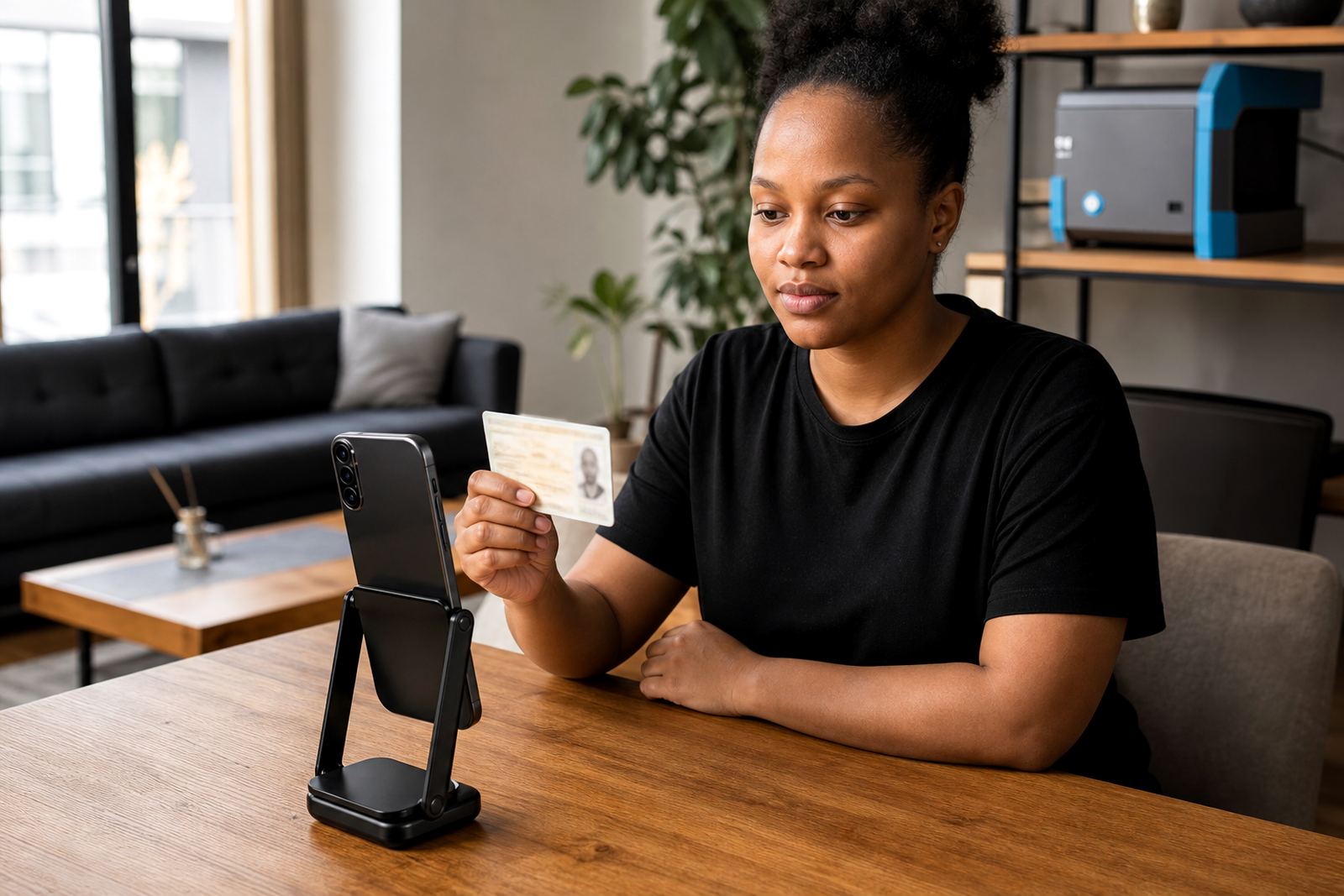
Different devices sit at different heights and have different fields of view. A laptop camera, a mounted tablet and a phone on a stand do not behave the same way. The placement should suit the device the business actually uses for onboarding. If the lens is low on a laptop, the person may need to raise the screen slightly. If the camera is on a phone, the operator needs a fixed holder so the frame does not drift every time the customer shifts in the chair.
For businesses with multiple branches, one standard layout makes training easier. That matters in Pretoria, Sandton and Midrand where staff may rotate between rooms or workstations. A clear camera position guide can be used in staff training, integration planning and pilot launch support so the same framing is repeated across sites without each team improvising its own setup.
- Match the chair height to the lens height where possible.
- Keep the device stable so the frame does not move mid-session.
- Use one consistent setup across branches if staff move between sites.
- Check that the document can be shown without the customer twisting their wrist awkwardly.
A Rosebank onboarding room needs a simple repeatable setup
In a Rosebank office, the best camera position is usually the one that gives the agent a clear face view, a clean document view and enough space for liveness checks without rework. That may sound plain, but plain is useful when the business is handling real customer onboarding every day. A good setup reduces the need for repeated prompts and keeps the session moving in a calm order.
One local example: a financial services team in Johannesburg had the camera angled too low on a side table, which meant the chin was clear but the eyes kept falling into shadow. Moving the device to a higher stand and turning the chair slightly toward the window changed the whole session. The document was easier to read, the face sat naturally in frame, and the agent could compare features without asking the customer to keep adjusting their posture. Small shift, better result.
That is the point of camera position tips in video identity work. The camera is not just pointing at a person, it is helping the check happen in the right order with less friction for the customer and the team.
Use the same angle for training, monitoring and change requests
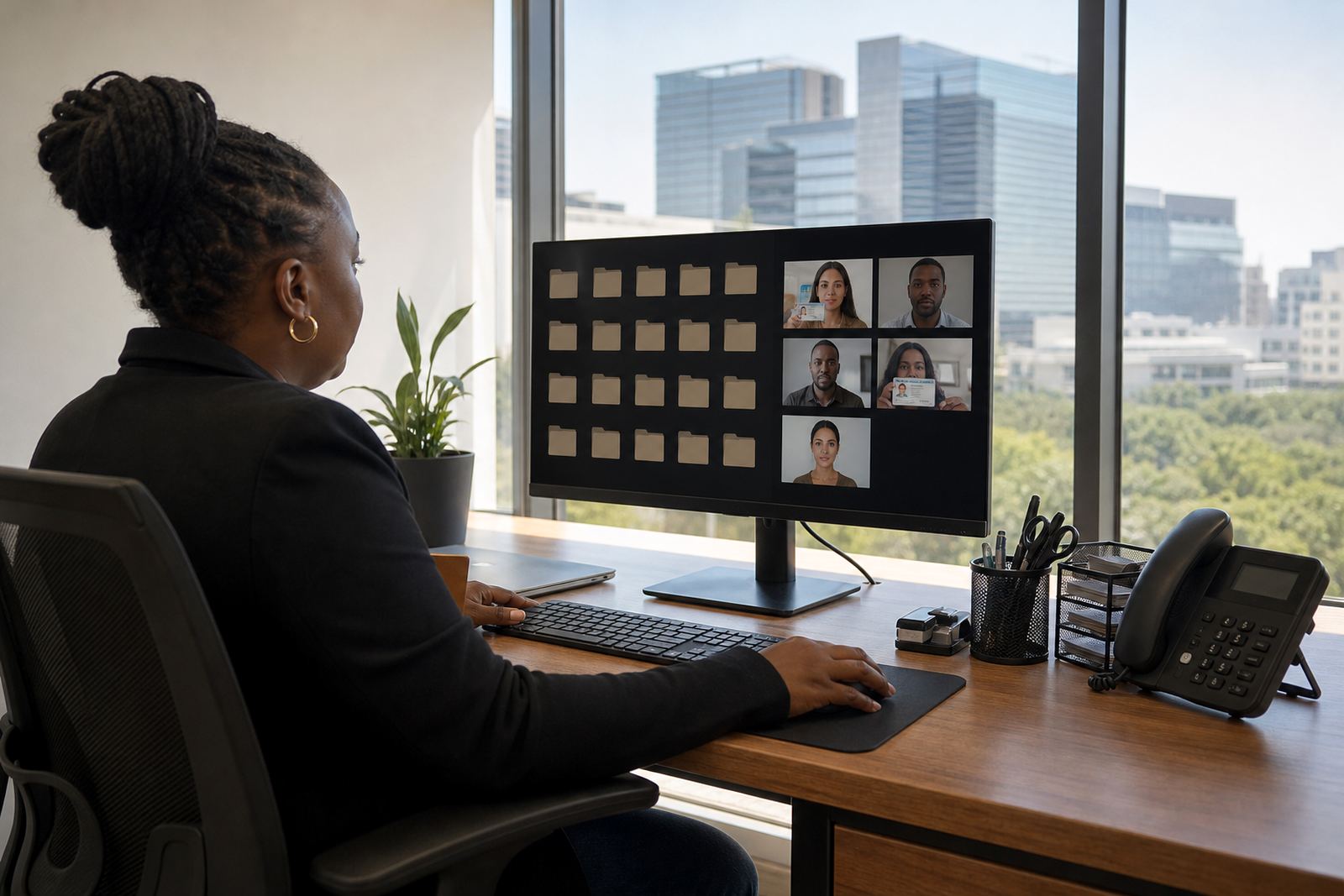
Camera placement should not live only in one person’s head. It belongs in staff training, quality monitoring and any change request that affects the onboarding flow. If the angle changes from one team member to the next, the quality of capture changes too. A recorded standard helps the verification team spot when a room, stand or device needs adjustment.
When the same framing is used across calls, agents can focus on the document, the face match and the prompts instead of correcting the setup. That is also useful when reporting on operational trends, because the team can tell whether a poor capture came from camera placement, lighting or a step in the script. For a business serving clients across South Africa, consistency saves a lot of back-and-forth in the room, even if the customer is sitting in another city.