What a usable session record must show
A useful record is not a loose bundle of files. It should tell the story of one verification from start to finish, with enough detail for an internal review team to understand what happened without guessing. In a remote video session, that usually means the date and time, the customer reference, the agent on duty, the document type presented and the outcome of the check.
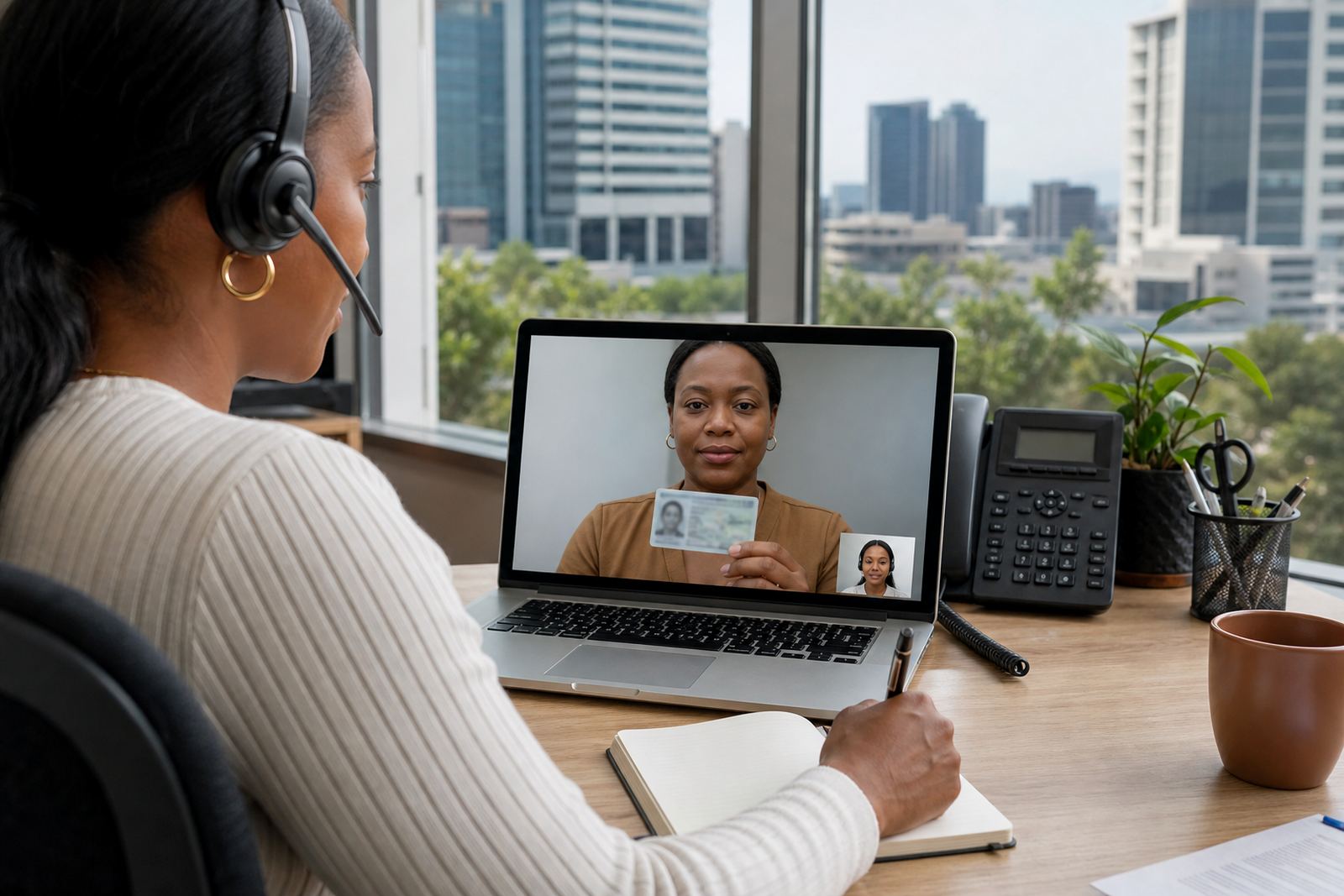
For South African businesses working with FICA-style customer due diligence, the record also needs to show the steps taken to compare the person on screen with the ID document. That can include notes on face matching, document quality, liveness checks and any points that needed extra review.
- Session identifier and customer reference
- Date, time and agent name
- ID document type and key details captured
- Face match result and any follow-up notes
- Final decision, hold, escalate or approve
Why consent and records belong in the same file
Consent is not a side note. If a customer joins a guided video session, the record should show that the customer understood what was being collected and why it was being collected. That does not have to read like a legal speech, but it should be clear enough for an internal team to check later.
Under POPIA, businesses need sensible control over personal information and an audit trail that shows how the session was handled. A clean record helps the operations team, the compliance team and any manager doing a spot check. It also reduces argument when a file is reviewed weeks later.
- Consent captured before the main verification steps
- Record of any recording or note-taking disclosure
- Access control for staff who can open the file
- Retention notes linked to the business rule set
What to capture during the live session
Live sessions move quickly, so the agent needs a simple structure. If the note-taking is too loose, details go missing. If the structure is too heavy, the agent spends more time typing than checking. A good middle ground is a standard checklist with room for extra comments when something unusual happens.
In practice, the record should make it clear whether the document was readable, whether the image quality was acceptable and whether the person matched the document photo. If the customer moved the camera badly or the lighting was poor, that should be noted. A short note on the issue and the fix is often enough.
- Document legibility and image quality
- Camera angle, lighting or motion issues
- Liveness prompts and the customer response
- Any mismatch, uncertainty or escalation trigger
Keeping records that support internal review
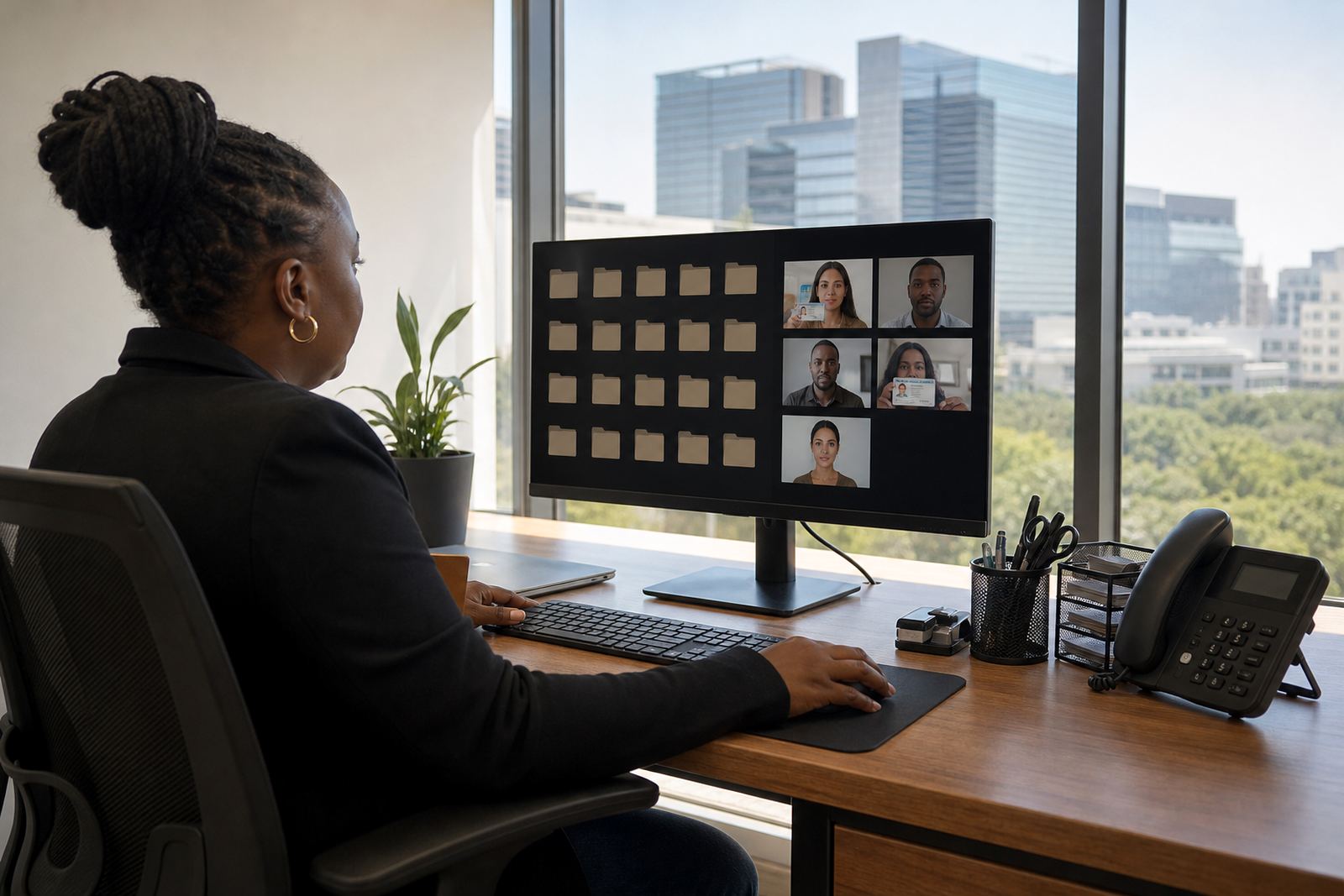
Internal review is where record keeping earns its keep. A manager should be able to open a file and understand why the agent accepted or escalated the case. That means the record must be orderly, dated and consistent across the team. A pile of half-written notes helps nobody.
For a business with staff in Rosebank, Johannesburg and clients in Pretoria, Cape Town or Durban, consistency matters even more. The same session type should produce the same record structure whether the agent is handling an account for a small trader in Sandton or a regional finance team in Gqeberha.
- Use one naming format across all sessions
- Keep the decision trail in the same place
- Separate routine notes from escalation notes
- Store review comments where managers can find them
A Johannesburg example with practical pressure points
Picture a mid-sized business in Midrand opening accounts for customers online. The team uses guided video sessions, and each file needs to show that the ID document was checked, the face was compared and the case was either accepted or escalated. A strong record lets the operations lead track patterns, such as repeated poor image quality or a spike in incomplete sessions.
That matters when staff are training new agents, or when a client asks for a clearer view of operational performance. If one branch gets more failed captures because customers use older phones, the record should show that trend. Then the team can adjust the script, the prompts or the escalation path.
- Track repeat issues by client or branch
- Link errors to training needs
- Mark sessions that need quality monitoring
- Keep notes useful for operational reporting
Building a record trail your team can actually use
The strongest record trail is the one people actually use. That usually means short fields, plain labels and a flow that fits the session. When the process matches the work, agents are less likely to skip details and managers get cleaner information for reporting.
PersonVideo ID works with businesses that need workflow mapping, integration planning, agent script design and staff training around remote identity verification. In a setup like that, record keeping is part of the operating model, not a side task. The file has to serve the live team, the quality team and the people who review outcomes after the session.
That is especially useful when a client wants support for pilot launch periods, go live stabilising or later refresh training. The record format should stay steady enough for review, but flexible enough to handle new rules, escalations and operational changes without confusion.