When enrolment moves online, identity needs a live check
Education providers now handle more registrations, re-registrations and learner detail updates through web forms and remote portals. That convenience works only when the identity step is treated with care. A guided video session gives staff a live view of the person, the ID document and the small details that matter when records must match.
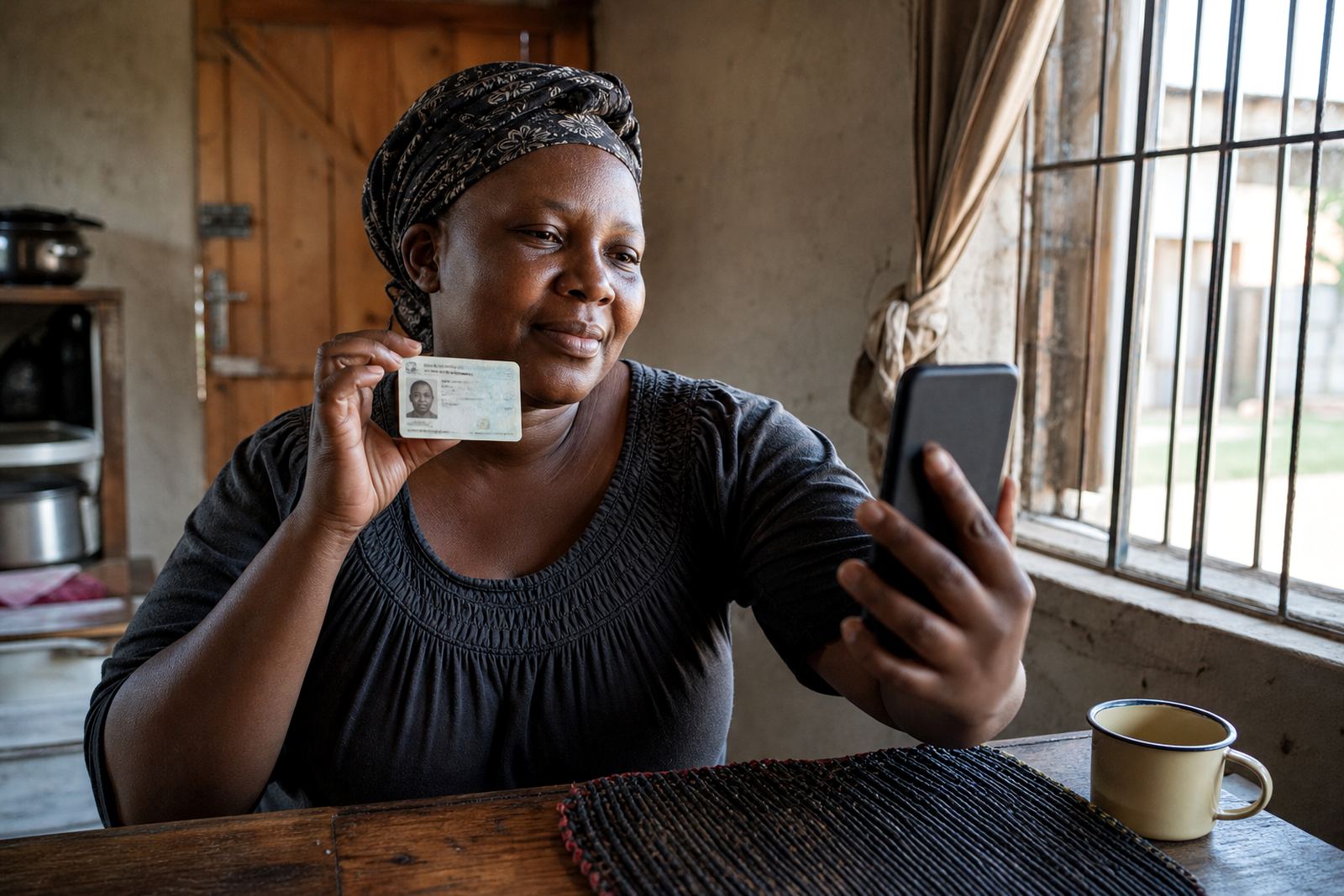
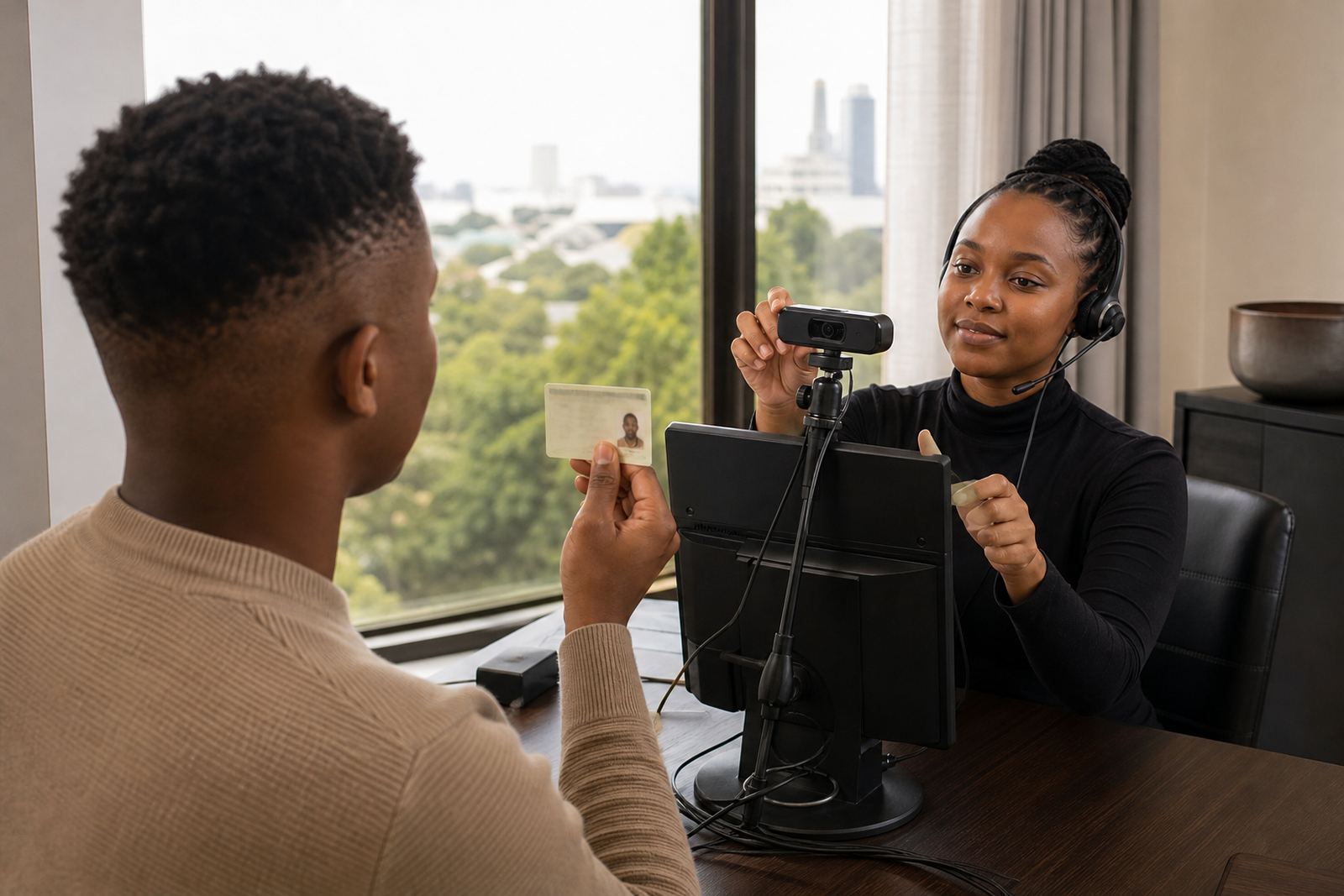
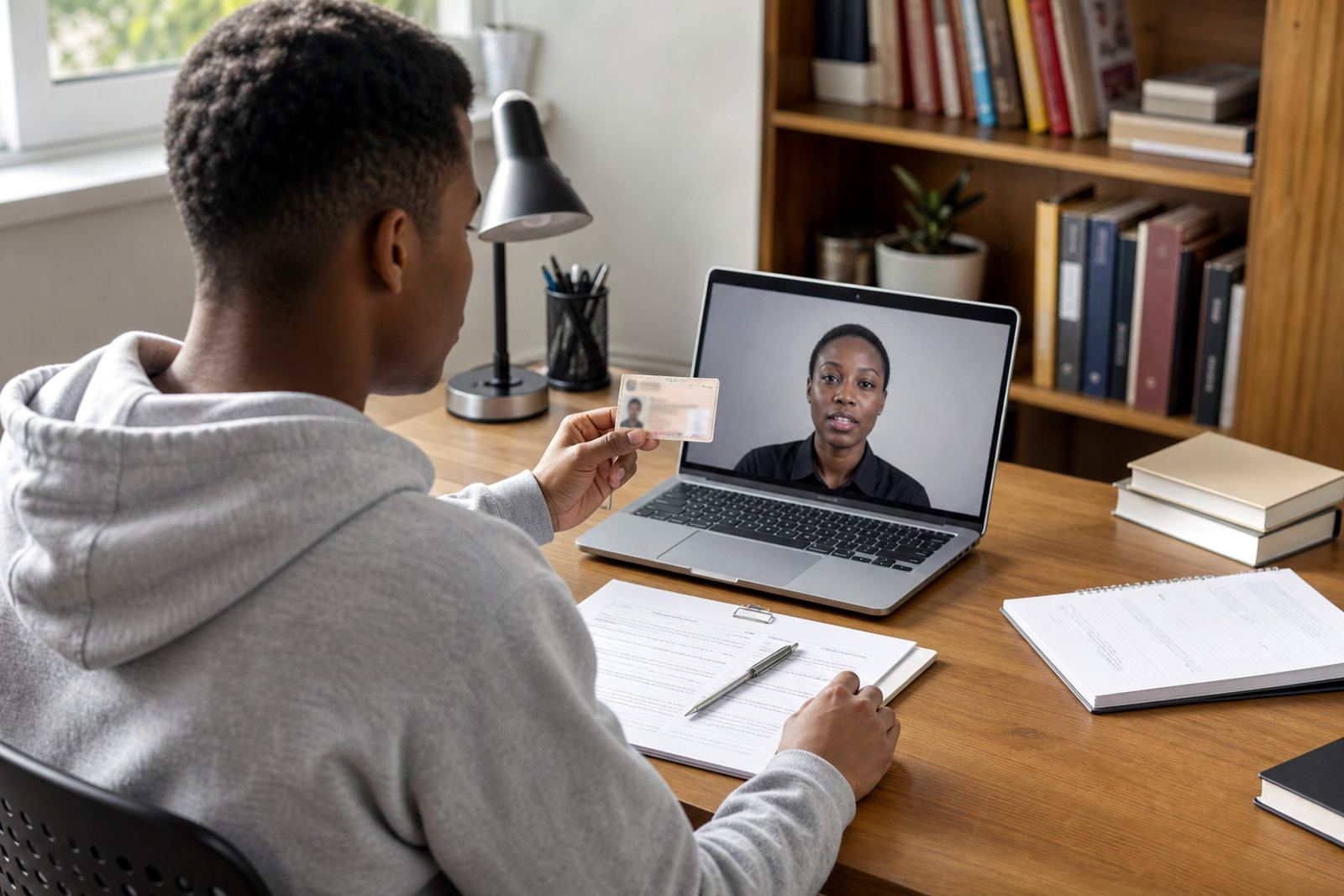
For a college in Rosebank or a training academy serving students in Pretoria, the process usually starts before the first class or payment release. The learner joins a short video session, shows the document, and the agent checks the face against the image on screen. Where needed, the agent can ask the learner to tilt the document, move to better light, or repeat a live action so the check is not rushed.
That approach suits enrolment, student portal access, bursary updates and record changes where the institution needs a reliable identity trail, not just a typed name and number.
What the video session needs from the learner
A strong enrolment check depends on clear instructions. Students are more relaxed when they know what will be asked before the call starts. A well run session is usually short, but it still needs enough structure to capture the right images and support the later review.
- A valid identity document or equivalent approved document for the process in question
- Good light and a quiet room so the face can be seen clearly
- A device with a working camera and a stable connection
- Consent for the video session, image capture and secure record keeping
- Basic cooperation during the liveness check, such as head movement or a simple prompted action
For a provider with campuses in Johannesburg and Durban, this can remove the need for a learner to travel in just to prove identity. It also helps when the enrolment window is busy and the office team needs a cleaner way to handle volume without stacking paper on the front counter.
Face matching is useful, but it is not the whole check
Face comparison is only one part of student enrolment checks. A trained agent still needs to look at the document itself, the name details, the document condition and the way the person presents on camera. A clear photo does not fix a torn page, a blurred corner or a document that appears altered.
In practice, the agent looks for a few simple things:
- Does the face on the document resemble the live image
- Does the document appear genuine and intact
- Are the names, document number and date details readable
- Does the live person show normal movement and responsiveness during the session
- Is there any mismatch that needs a manual escalation
For colleges handling distance learning enrolments in Cape Town or Gqeberha, this matters because the office may never meet the student in person. The check must carry enough weight on its own, while still leaving room for manual review where the case is not clean.
POPIA, FICA style due diligence and record keeping in plain terms
Education providers often work with identity checks for admissions, funding, accommodation and learner admin. That means consent, purpose and record handling must be treated properly. Video verification should sit inside a controlled process where the institution knows what is captured, who can see it, and how long the record is kept.
Broad customer due diligence principles from South African compliance practice also apply here. The institution needs a traceable record of the check, a reason for the verification and a process for escalations when details do not line up. The point is not to crowd the enrolment team with legal jargon, but to make sure the flow is practical and auditable.
Good record handling helps when a student later questions a registration change or when an internal audit asks how a person was verified. The capture trail, the notes from the session and the outcome of the review should all sit in one controlled place.
How integration and staff training change the result
Remote video checking works better when it is fitted into the enrolment journey, not added as an afterthought. Integration planning decides where the session starts, where the result lands, and what happens if the check is incomplete. API coordination can move status updates into the college system so staff are not copying details between screens.
Staff training matters just as much. The enrolment team must know how to introduce the session, when to pause for a clearer document view and when to escalate a mismatch. Training also helps with script wording, because learners respond better when instructions are calm and direct.
- Workflow mapping for online registration and updates
- Agent script design for student friendly prompts
- Escalation design for mismatched or unclear cases
- Quality monitoring so checks stay consistent across shifts
- Refresh training when forms or processes change
For institutions with admin staff in Sandton and operations in Midrand, this keeps the process steady across branches and intake cycles. It also means the student sees the same instructions whether the session is run in the morning or later in the day.
A local example from a busy intake period
A private training provider in Rosebank handling large online intakes may need to verify hundreds of learner records without turning the office into a filing room. A student in Pretoria can join a guided video session from home, show the identity document, and complete a liveness check before the account is opened for class access.
If the photo is grainy, the agent can ask for a better angle. If the names do not align with the registration form, the case can be escalated for manual review before the enrolment moves forward. That kind of process is useful when students are registering from different provinces and the admin team needs the same standard every time.
It also helps during update cycles. A learner changing contact details, surname details or profile information can be checked through the same controlled workflow instead of sending scanned copies around through our contact form and hoping the data stays accurate.
A practical setup for education teams across South Africa
For schools, colleges and training providers, the strongest setup is usually the one that slots into the current admin process without adding extra load. The video check should be clear to the learner, manageable for the team and strong enough to support later review. That is where workflow design, training and reporting all pull in the same direction.
From Rosebank, Johannesburg, PersonVideo ID supports businesses with remote video identity verification for online onboarding and update checks. Our team works on workflow mapping, integration planning, API coordination, staff training, agent script design, quality monitoring, escalation design, pilot launch support, operational reporting, refresh training, change request support and go live stabilising.
For education providers in Johannesburg, Pretoria, Cape Town, Durban and Gqeberha, the goal is simple: confirm the learner, keep the record accurate and give the admin team a process that still works when intake numbers grow.