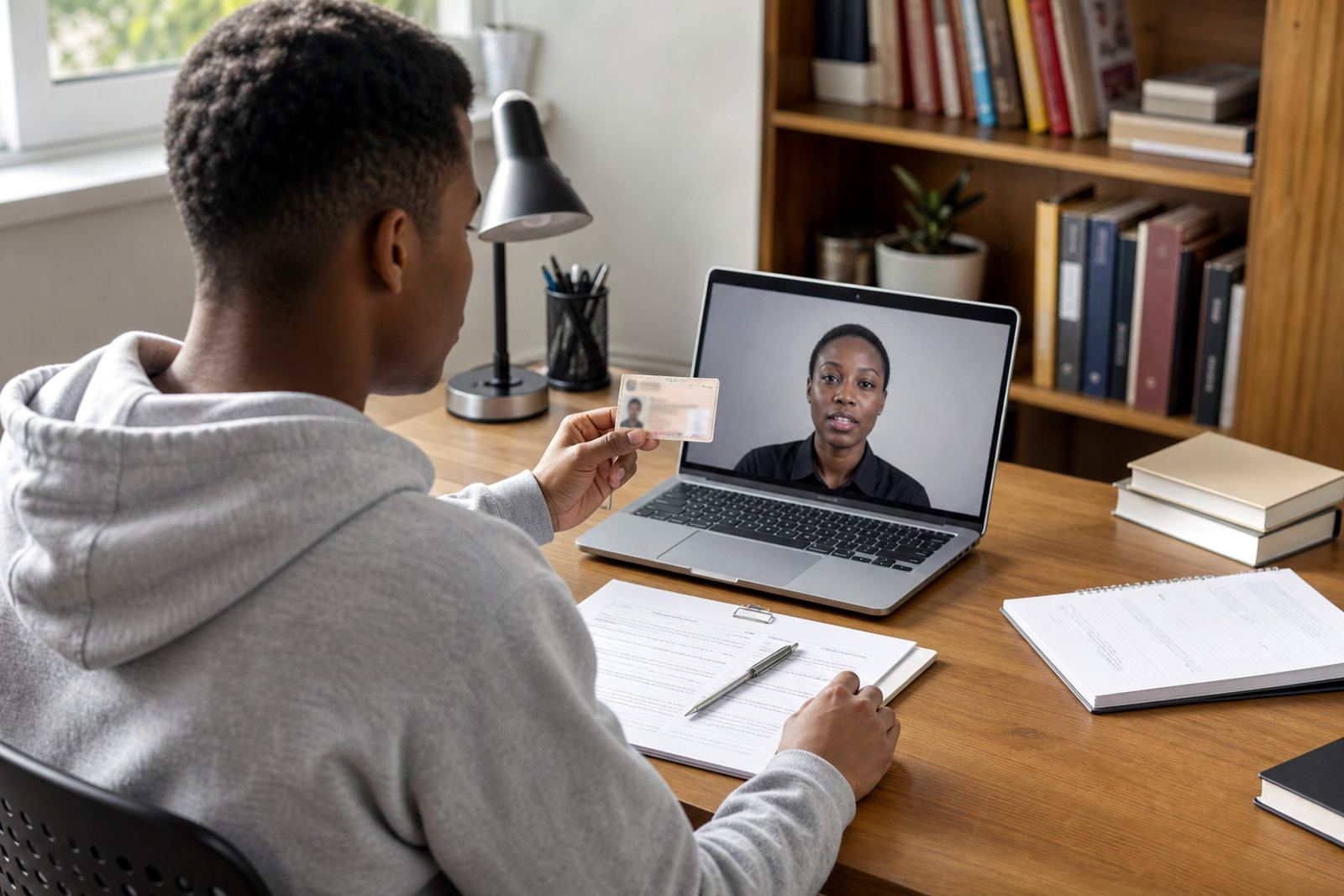
When the ID card is almost right, but not quite
Most visibility problems are plain to see on the call. The card may glare under a ceiling light, the corners may slip out of frame, or the text may look soft because the camera is too close. In a remote verification flow, that makes the document harder to compare with the face and the session takes more effort to complete.
A good session starts with the customer holding the document flat, not bent and not tilted too far toward the lens. A small angle change can move a reflection off the photo page and bring the printed details into view. If the surface is glossy, shifting the phone a few degrees often helps more than moving the light.
- Keep the document fully inside the frame.
- Hold the card or booklet flat and steady.
- Turn the document slightly until glare drops.
- Move the camera back if the text looks cropped.
Light that helps the document, not the ceiling
Indoor light is usually the first thing to fix. A bright lamp above the customer can wash out the photo page, while a window behind the person can leave the document in shadow. Side light is often easier to work with, especially in offices where the screen light and room light fight each other.
In Rosebank and the wider Johannesburg area, many clients run sessions from mixed workspaces with glass walls, open plans and strong daylight. In those settings, the agent may ask for a different seat, a slight turn of the body, or a move away from direct sun. That small adjustment can improve the scan of the ID number and the face image at the same time.
- Avoid a bright light directly behind the customer.
- Do not place the document under a harsh overhead glare.
- Use even light across the card and the face.
- Close curtains or shift away from a strong window if needed.
Distance, focus and the small gap that matters
Camera distance is often the difference between useful and unusable. If the phone is too close, the edges of the document disappear and the lens may struggle to focus. If it is too far away, the printed details become too small for a careful comparison. The useful middle ground is usually easy to find once the agent explains what to look for.
A practical rule is to hold the document far enough back for the full frame to include the corners, then move closer in small steps until the text is readable. Face capture works better when the person looks straight at the screen and keeps the device steady for a moment. Movement during capture can blur the image, especially when the camera is trying to read fine print.
- Start with the whole document in view.
- Move in slowly until the text stays sharp.
- Pause the hand for the face check.
- Repeat the capture if the corners are cut off.
What a trained agent looks for in the session
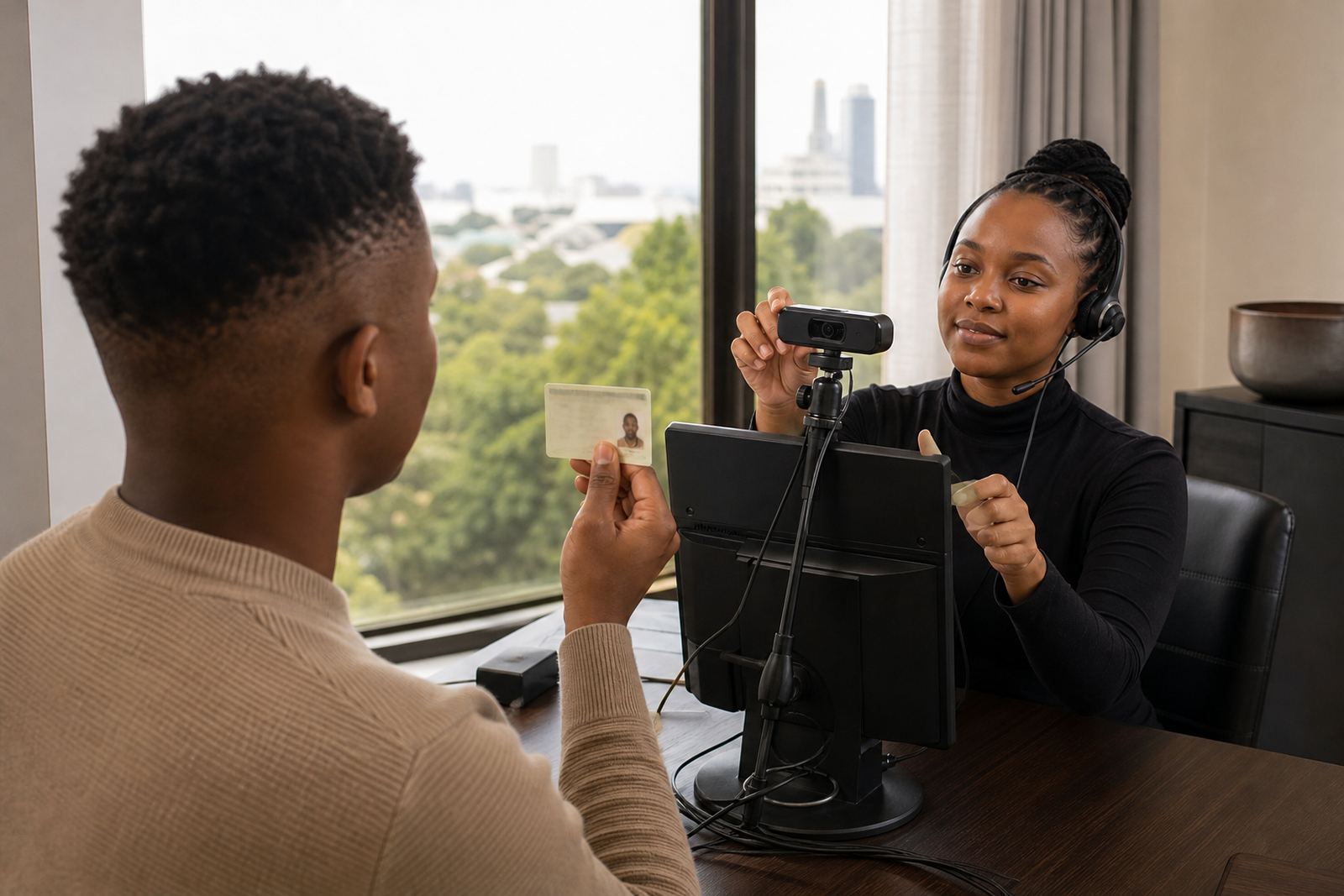
During the guided session, the agent is checking more than one image. The document should match the person on camera, the features should be visible enough for comparison, and the session record should reflect what was seen and confirmed. Where the picture is unclear, the agent may ask for a better angle or a fresh capture rather than pushing ahead with a poor view.
This is where the workflow matters. Some teams need the customer to move from a busy branch counter to a quieter room, while others need a second phone position or a different seating angle. A clean process makes it easier for the customer and gives the team a better record for FICA due diligence and internal review. The aim is not drama, just a readable session with the right checks in place.
- Check that the face and document align.
- Look for readable text and visible security features.
- Keep consent and session notes in order.
- Record the outcome clearly for audit trails.
A local case from a busy Johannesburg office
A Sandton client handling online account opening had repeated trouble with dim ID captures in a glass-walled meeting room. The issue was not the system, it was the room light and the reflective table. Once the team moved the session to a softer light source and asked customers to hold the ID flat above the table edge, the document image became much easier to review.
The same pattern shows up in Cape Town, Durban and Gqeberha where branches use different room layouts and daylight is never quite the same. One site may need a quick training refresh on camera distance, another may need a tighter script for handling glare. Small changes keep the process practical for the customer and more reliable for the team managing the verification.
That is also why integration planning and staff training matter. When the script, the camera steps and the escalation route are clear, the session runs with less guessing. The customer only has to follow one instruction at a time, which helps the agent keep the record clean and the document visible.
Simple habits that keep visibility high
Good document visibility is rarely about expensive equipment. It is usually about a few repeatable habits that staff can use every day. The customer should know when to move the phone, when to tilt the card, and when to stop and hold still for the capture. Clear instructions reduce friction and make the verification easier to complete.
- Use plain language for each step.
- Keep one action in each instruction.
- Train staff to spot glare and blur early.
- Review failed captures and adjust the script.
- Keep the session record complete and readable.
For businesses onboarding customers online across South Africa, these small adjustments can protect the whole flow. Better visibility means less rework, clearer comparisons and a cleaner handover into the account opening process.