A phone screen changes the whole session
A laptop session and a phone session do not behave the same way. On mobile, the camera sits closer to the face, the hands move more often and the picture can wobble when the customer turns toward brighter light. That means the guided steps need short prompts, plain language and a pace that does not assume the customer is sitting at a table with two free hands.
For South African businesses that open accounts online, the mobile route is now common. Customers in Johannesburg may join from a taxi rank, a mall corridor or a quiet office corner in Rosebank, and the process still needs to hold together. The session has to support the document capture, face comparison and liveness checks without asking the person to fight the device.
Before the session starts, the phone should be ready
Most problems show up before the first document image is taken. A low battery, a cracked screen, a dirty lens or an overcast room can make an otherwise normal session drag. A practical mobile flow tells the customer to clear the lens, find a spot with even light and keep the phone steady at eye level.
- Use the rear camera when the document needs a sharper image.
- Keep the ID inside the frame, with all corners visible.
- Remove glare from laminate, plastic sleeves or glossy surfaces.
- Close other apps that pull attention away from the prompts.
- Hold still for the face check and the liveness prompt.
These are small instructions, but they matter. A good mobile session depends on the customer knowing what to do before the verification begins, not after the image has already blurred.
Face checks need more than a quick selfie
On a phone, the face check can look simple at first glance, yet it still needs care. The verification agent compares the live image with the ID document and watches for signs that the camera feed is genuine. A slight turn of the head, a blink prompt or a short movement sequence may be used to show that the person in front of the camera is live and present.
In practice, mobile instructions should avoid technical jargon. The customer does not need a lecture on biometric controls. They need to know where to look, when to hold still and how to keep the face within the oval or frame on screen. If the person keeps drifting out of view the session loses time and the image record becomes weaker.
Document capture on mobile needs fewer words and better timing
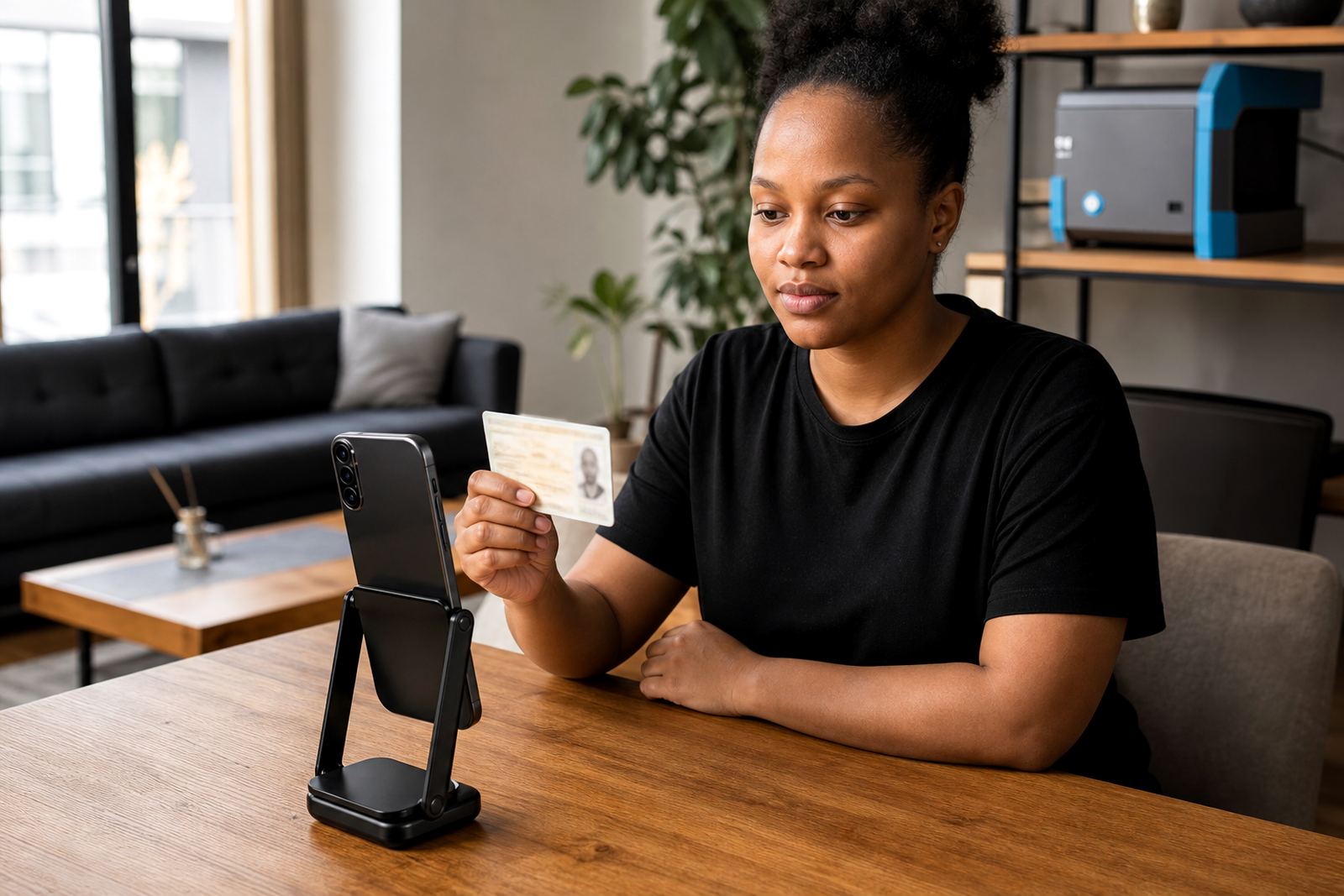
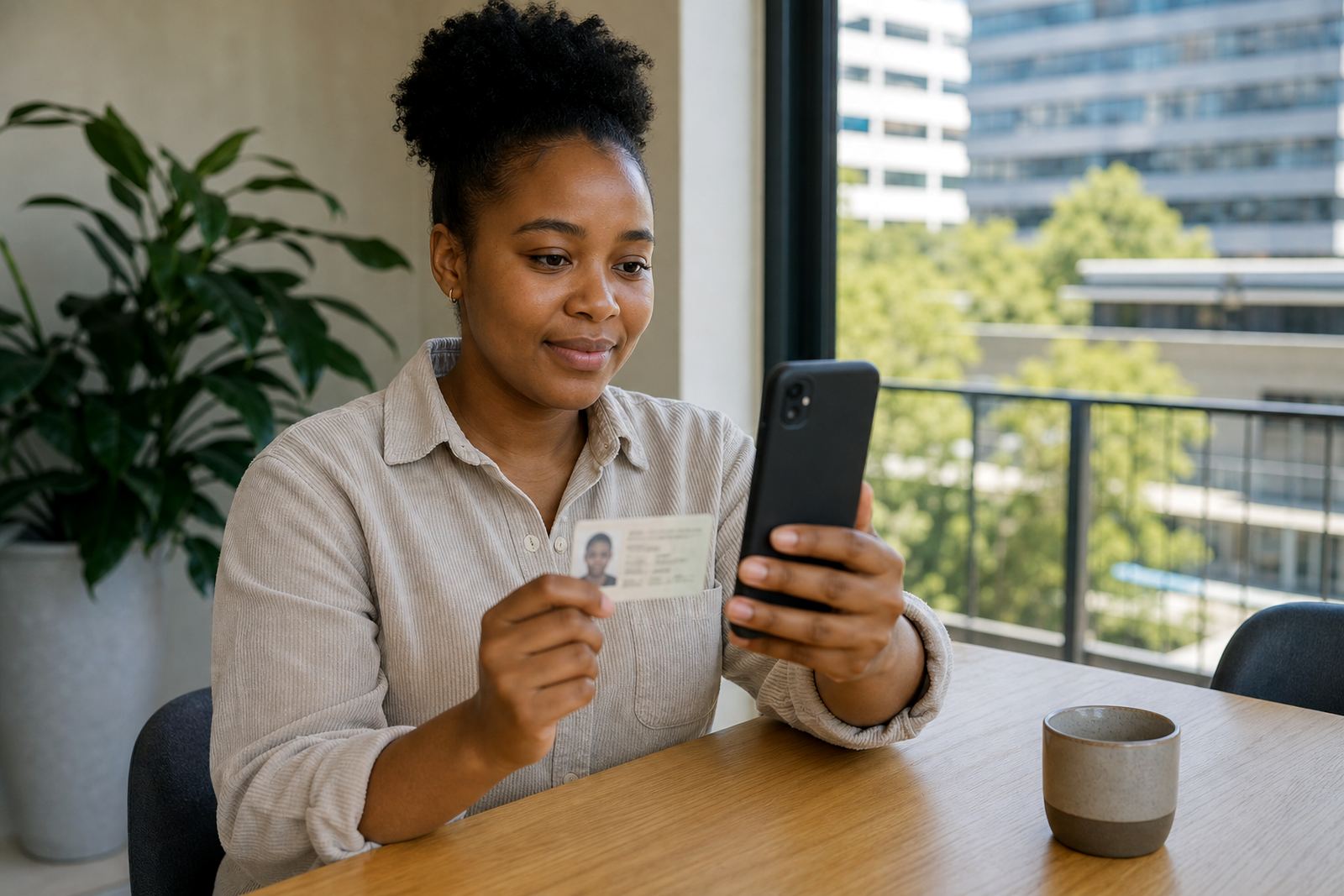
ID document capture works best when the agent gives one instruction at a time. A long explanation can confuse the customer, especially if they are balancing a phone with one hand. Short prompts help the person flip the booklet, turn the card, or lift the ID closer without covering the photo or the document number.
For a Rosebank base serving clients across South Africa, mobile capture also means accounting for real-world settings. A customer in Sandton may have bright office light, while someone in Durban may be dealing with window glare and humidity that softens the image. The process should still produce a clear record, so the team needs to know when to ask for a second image and when to move on.
- Check that the name, number and photo are readable.
- Make sure the document edges are not cut off.
- Ask for a fresh image if glare covers key details.
- Keep the phone steady long enough for the camera to focus.
Consent and record keeping should stay plain
Mobile sessions also need clean handling of consent and records. The customer should understand that the session is being run for identity verification, with records kept in line with the business process and POPIA duties around lawful processing and information handling. That does not need heavy language or a long speech. It needs clarity, visible prompts and a record trail that matches the session.
For businesses handling FICA customer due diligence, the mobile flow should support the checks that count without turning the customer into a compliance burden. The agent can ask for consent, confirm the purpose of the session and keep the notes neat. If the workflow is messy, the record becomes harder to use later and the team has to revisit basic details.
A local rollout works better when staff see the phone view
Training matters because staff often test flows on a larger screen and then forget how cramped a phone feels in the customer’s hand. A good training session should show the team the mobile view, the common failure points and the wording that keeps the customer moving. That is where script design, escalation design and quality monitoring earn their place.
One Johannesburg retail lender we worked with in principle had customers joining from mid-shift breaks, school runs and shared office spaces. The team found that shorter prompts and a clear fallback path helped more than extra explanation. Integration planning also mattered, because the session had to pass cleanly into the client’s account-opening steps without forcing staff to chase missing details after the call.
- Train agents on low light, glare and shaky hands.
- Set a clear handoff for failed captures.
- Use pilot launch support to test real mobile conditions.
- Review recordings for clarity, pace and document quality.
Mobile basics are really operational basics
Mobile guidance is not a side issue. It affects workflow mapping, API coordination, pilot launch support and the quality of the final record. If the mobile flow is loose, the verification team spends more time correcting avoidable errors and less time checking the real risk points. If it is clear, the customer moves through the session with fewer restarts and less confusion.
That is the practical lesson for businesses onboarding customers in Pretoria, Cape Town, Durban and Gqeberha as well as Johannesburg. A phone is often the first and only device the customer uses, so the session has to fit that reality. The best mobile sessions do not ask the customer to behave like a benchtop user, they meet the customer where the device already is.