What the agent needs to see first
A document capture session works best when the agent can read the ID without guesswork. The name, number, photo and document edges should all be visible in one steady view, with no fingers hiding details and no glare across the plastic or paper. If the image is cropped too tightly, the review turns slower because the missing corner could be the part that matters.
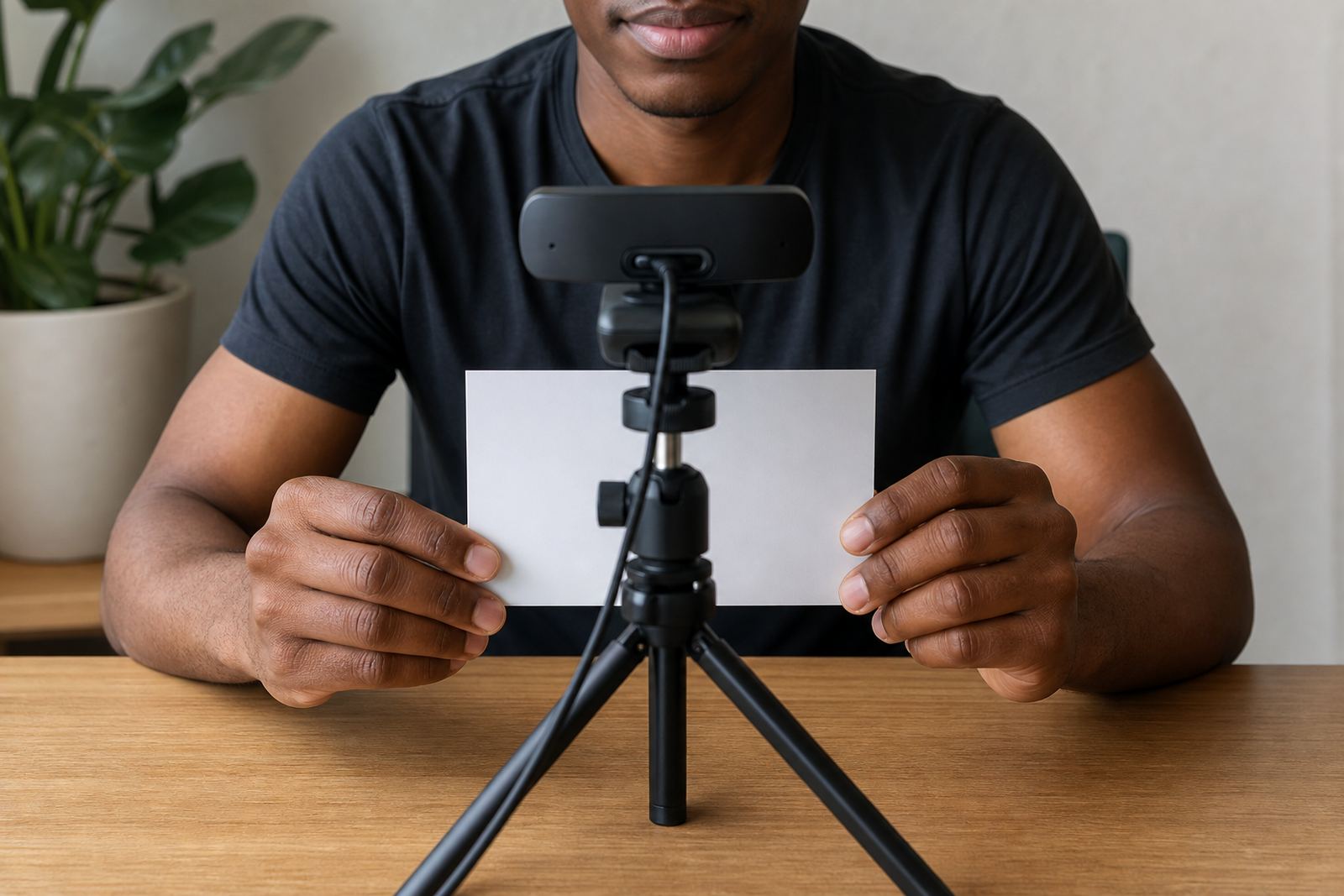
In a guided video session, the person should hold the document at chest height and keep it flat. A clean background helps, but the main issue is usually movement. A slight shake is enough to blur the birth date or the expiry date, and then the agent has to ask for a second look.
- Keep the full document inside the frame.
- Show the front and back where the document type needs it.
- Avoid flash that washes out the photo or text.
- Use clear lighting from the front, not from behind.
- Hold still long enough for the agent to inspect the details.
Face match checks need a fair view
Document capture is only one part of the review. The face on screen has to be compared with the photo on the document, and that step depends on a clear, straight view of the person. Sunglasses, deep shadows and large hats make the comparison harder. So does turning the face away while the agent is asking for a better angle.
For South African businesses running FICA customer due diligence, the point is not theatre. The point is to make the identity check easier to complete and easier to record. A sensible session keeps the person seated, the camera steady and the document close enough for the image and the live face to be checked side by side.
Liveness checks also sit in this part of the workflow. A trained agent may ask the person to blink, turn slightly or follow a simple prompt so the session is not just a still image lifted from somewhere else. When the document capture is clean, those checks sit neatly together instead of feeling like a scramble.
Small capture mistakes that create extra review
The same errors show up repeatedly in remote verification work. They are easy to miss in the moment, yet they slow the whole file because the agent has less to work with. A document that looks fine to the customer may still be poor enough to fail a manual review.
- Glare across the ID number or portrait.
- Blurry text from moving the document too soon.
- Uneven lighting that hides one side of the card.
- Background clutter that makes the frame untidy.
- Hands over the edges, especially near expiry dates.
These are not technical mysteries. They are ordinary capture faults, and they can be reduced with a short script and a calm handover. That is why staff training matters. If every operator gives the same instructions, the customer settles faster and the evidence set is easier to assess.
Consent, records and POPIA habits
Remote identity checks need clear consent and careful record keeping. The customer should understand that the session is being used for verification, and the business should store the record in a controlled way that fits internal policy and POPIA aware handling. The practical side matters here because a good capture is only useful if the supporting record is ordered properly.
That record usually includes the document images, the session notes, the outcome of the face comparison and any escalation steps taken by the team. If the document is unreadable or the face view is too weak, the file should show why it was paused or sent for a second review. Clean notes save time later, especially when another staff member has to revisit the file.
For a business in Rosebank handling customers across Johannesburg, Pretoria or Cape Town, the standard should be consistent even if the working team is spread out. The file should tell a clear story from capture to outcome, with nothing vague left behind.
A practical session flow for South African onboarding teams
A stable workflow keeps document capture from turning into a repeated correction exercise. When the session opens, the agent should confirm the customer is ready, explain what will be shown and then guide the document into view. After that, the face check and any liveness prompt can follow in a set order. The customer does not need a long speech, just clear direction.
In our work, the best sessions usually follow the same broad path:
- Confirm the person is ready on camera.
- Ask for the ID document in good light.
- Check that the full document is visible.
- Compare the live face with the document photo.
- Record the result and any follow-up step.
That order works well for online account opening because it keeps the agent focused and gives the customer one instruction at a time. It also helps with escalation design, since a weak image or a partial match can be flagged without losing the rest of the record.
A Johannesburg example that shows the difference
Picture a customer in Sandton joining a verification session from a phone on a small stand. The room is bright enough, but the first attempt fails because the document is angled and the surname is cut off by the thumb. The agent asks for a flatter hold and a slower raise of the card. On the second attempt the full ID sits square in frame, the portrait is visible and the face comparison becomes straightforward.
That sort of correction is common across South Africa, from Midrand to Gqeberha. It is also where agent script design and refresh training earn their place. When the team uses the same wording, customers hear the same request in a calm format and the session does not drift into confusion.
Document capture basics are not flashy, but they shape the whole review. A clear image, a steady face view and an orderly note trail give the verification team something solid to work with, which is exactly what online onboarding needs when the account cannot be opened until the identity check is complete.