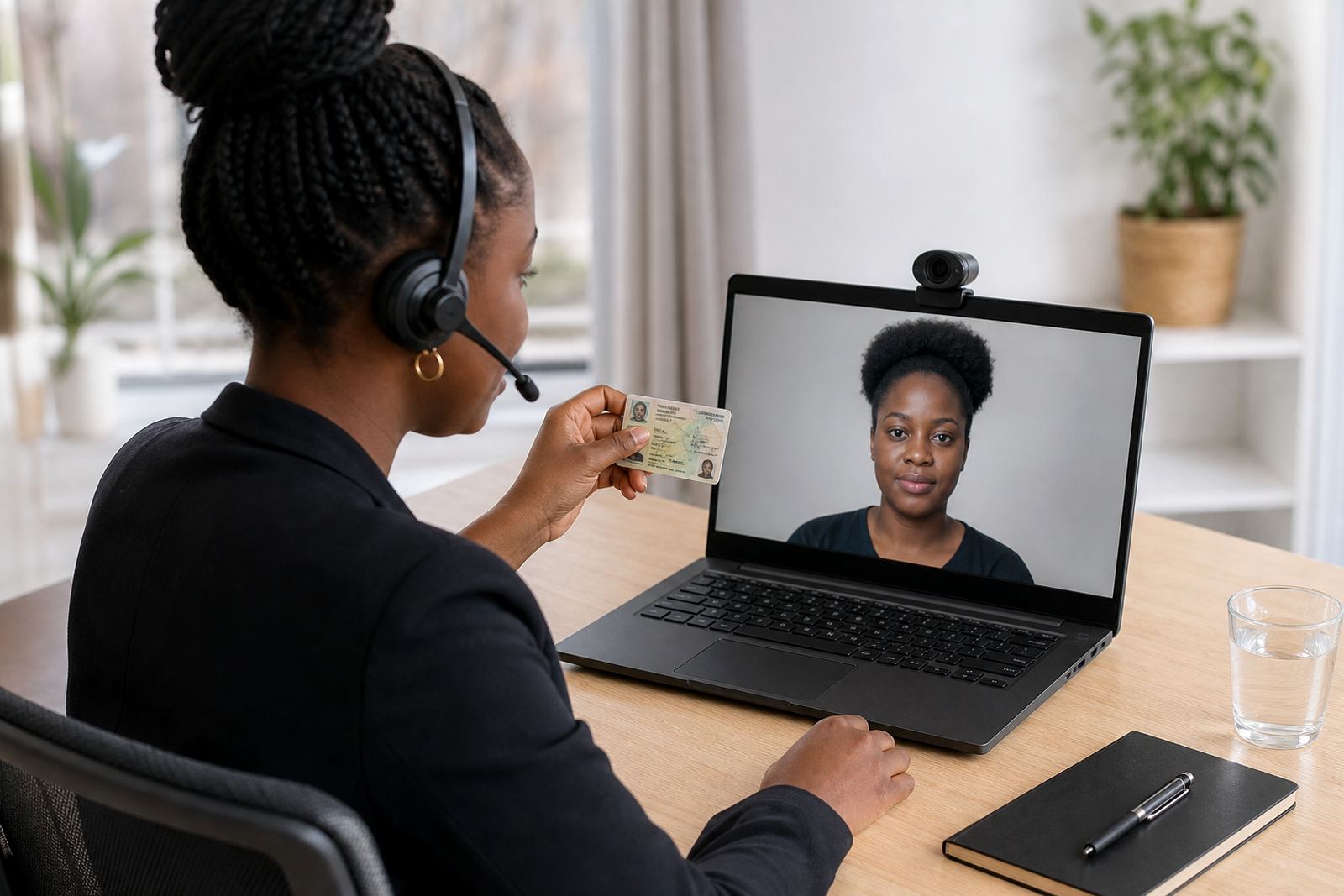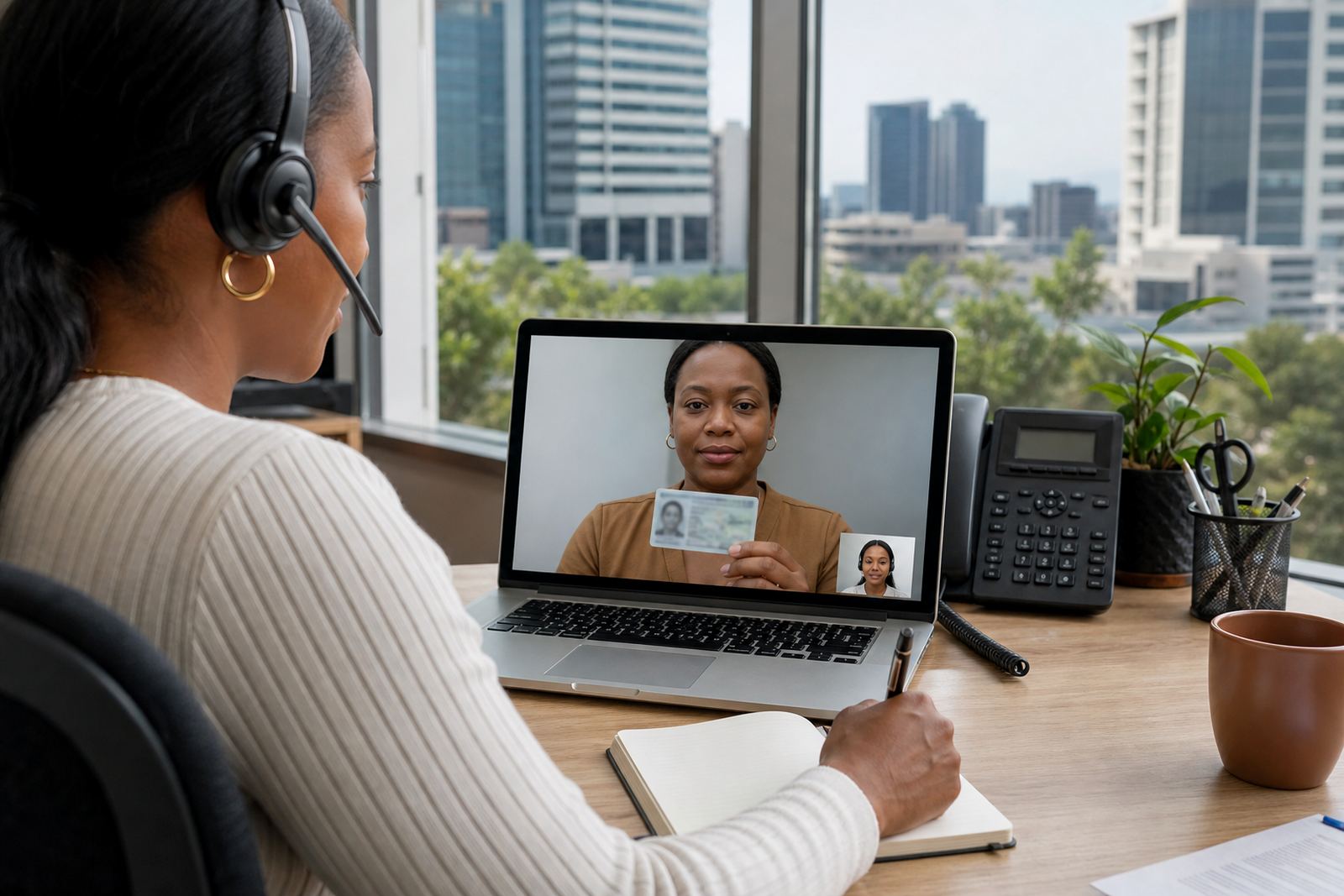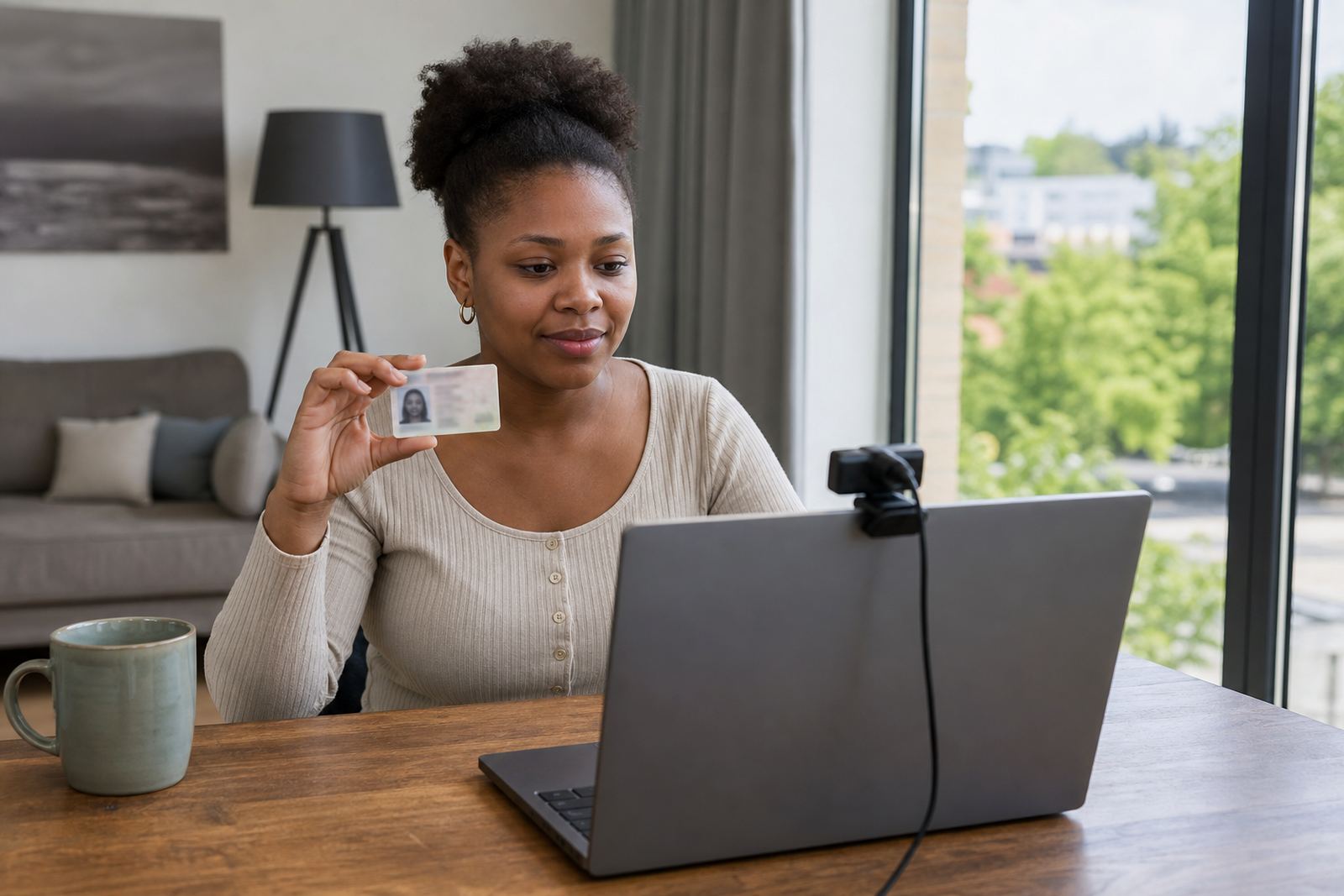
Face light that lets the agent read features, not shadows
The face is the first part of the session that needs clean visibility. If the room is too dim, the agent may struggle to compare cheek lines, eye shape and the general likeness against the document photo. Harsh light can be just as awkward, because it can wash out skin tone and create glare on glasses or shiny foreheads.
A soft front light usually works best. A counter lamp aimed from slightly above the camera can help, but it should not shine straight into the eyes. Natural light from a window is useful in the morning, although strong sun can change fast in Johannesburg or Durban and leave the face half in shadow. A steady indoor light source gives more consistent results.
- Keep the light in front of the face, not behind the person.
- Avoid strong backlight from a window or doorway.
- Remove coloured bulbs that distort skin tone.
- Make sure the face stays visible when the person turns slightly.
Document capture needs even light and a steady hand
An ID document needs enough light for the text, photo and security features to show clearly on screen. When the page is under-lit, the camera struggles with focus and the agent may not be able to read the details that matter for the check. When the light is too hard, the plastic surface can reflect and hide the photo or numbers.
For card or booklet capture, a flat surface and even lighting usually give the best result. In a Rosebank office or a home setup in Pretoria, a bright window can help during the day, but it should never throw a white patch across the document. A simple lamp placed to the side often works better than overhead lighting alone.
- Place the document on a matte surface, not a glossy table.
- Hold the item flat so the camera can focus on the full frame.
- Move the light slightly to reduce glare on laminated cards.
- Keep fingers away from the printed details and photo area.
Room setup that keeps the session calm and readable
Lighting works with the rest of the room, so the background matters too. A dark room behind a bright face can confuse the camera, while a cluttered space can make the session feel rushed. A plain wall, a tidy table and a single light source usually give the agent a cleaner view.
For businesses onboarding customers online, the aim is consistency across many sessions. One staff member may verify a client in Sandton, another may guide a customer in Gqeberha, and both should see roughly the same quality on screen. That means testing the room layout first, then repeating the same setup for the team.
- Pick one place with steady light, then use that same spot each time.
- Close blinds if sun is changing across the room.
- Switch off nearby lights that flicker or cast odd colour.
- Keep the camera at eye level where possible.
Training people to spot the difference between light and poor capture
Good lighting is not only a technical issue, it is a training issue too. Staff need to know when a blurry frame comes from movement, when it comes from low light, and when the problem is glare rather than focus. If the team can name the problem quickly, the session stays easier to guide.
Training materials work best when they show real examples. A face with half the image in shadow needs a different correction from a document with a bright strip of reflection across it. Teams in Cape Town and Durban often deal with changing daylight, so the guidance should be practical rather than generic.
- Teach staff to ask for a small change, not a full reset.
- Use sample screenshots that show glare, blur and shadow.
- Explain where the light should fall on the face and document.
- Include clear steps for when the frame keeps slipping out of focus.
Consent, record keeping and what the footage must show
Video verification often involves recording the session, saving the relevant images and keeping the checks tied to the right customer record. Lighting affects whether those records are useful later. If the document image is unreadable or the face shot is too dark, the file may not help much if there is a question about the onboarding file later on.
Teams also need to keep the customer informed about what is being captured and why. That sits alongside consent handling and the record keeping that supports ordinary customer due diligence under FICA and POPIA-aware business practice. Good light does not replace those steps, but it helps the record stay usable and clear.
- Capture the face clearly before moving to the document.
- Store only the images and notes needed for the process.
- Keep the recording tied to the correct customer profile.
- Make sure the final file shows both identity and presentation clearly.
A Johannesburg example that shows the value of steady light
A Rosebank team setting up remote checks for customers across South Africa may find that the simplest lighting changes save the most time during a session. One client room might have bright afternoon sun from the west, while another has a pale ceiling light that leaves the face looking flat. The fix is usually not expensive, it is just more intentional.
For a business onboarding clients in Midrand, Sandton and Pretoria, a small lamp, a plain wall and a fixed camera position can give a cleaner result than an improvised setup near a window. Once the team settles on that layout, the quality of the face view and document image becomes more even across the week.
People often think video verification depends mainly on software. In practice, the room matters just as much. Light that is too weak, too harsh or too uneven makes the agent work harder and gives the customer a clumsier experience.