Where a guided video check fits in the onboarding file
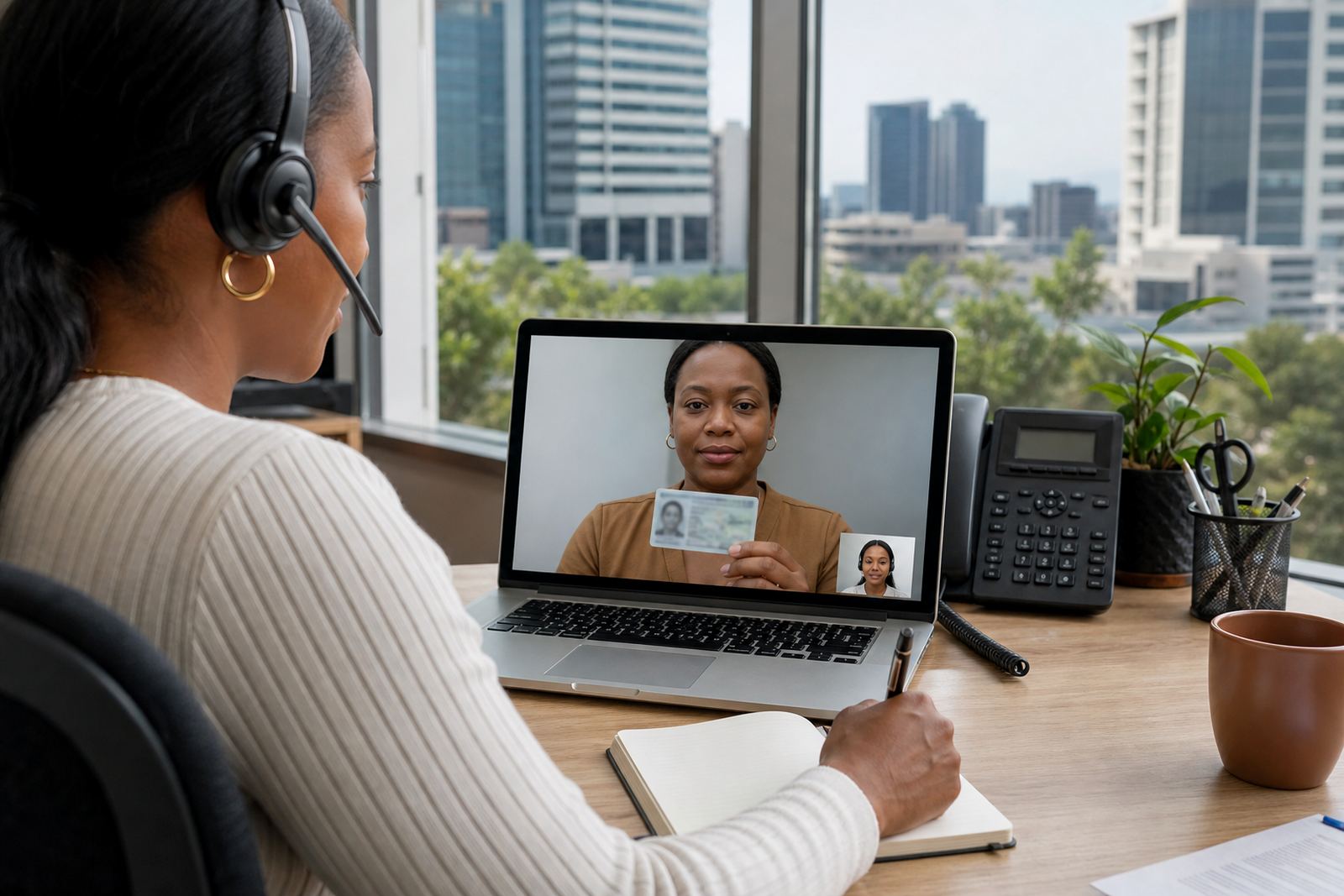
For many South African businesses, customer due diligence starts long before anyone joins a video session. The application form, supporting documents, source details and screening steps all sit together in one record. A guided video check may be used when a remote onboarding flow needs a live human presence, especially where the business wants to compare the person on screen with the document image and the application data.
It is a practical option for teams that already collect information online but still need a tighter control point before an account is opened. In that setting, the session can be part of the evidence trail rather than a stand-alone event. The agent follows a script, captures the ID document, checks the face, and notes anything that needs review. That is often enough to fit into ordinary operational due diligence without turning the process into a drawn-out call centre exercise.
In Rosebank, Johannesburg, that kind of workflow can suit a branch network that serves clients in Sandton, Midrand, Pretoria, Durban, Cape Town and Gqeberha. The business may never meet the customer in person, yet it still needs a disciplined way to check the person on screen against the records already supplied.
- Application data stays linked to the session record.
- The document image is checked in real time.
- The face on screen is compared with the ID holder.
- Any mismatch is captured for review before onboarding moves on.
What the session usually needs to cover
A remote verification session works best when the steps are clear and repeated the same way for every customer. The agent should know what to ask, what to capture, and when to pause. That usually includes consent for the session, a live view of the person, a readable document image, and a record of what was seen and checked.
The process is not only about the video itself. The surrounding controls matter just as much. Script design keeps the interaction consistent. Escalation design tells the team what to do when the document is blurred, the person is not matching the image, or the session drops out. Quality monitoring helps supervisors spot weak sessions before they become a problem in the file.
For a business that handles many applications each week, these pieces save time later. They reduce the need for patchy notes and back-and-forth between operations, compliance and customer service. A clean session record can be read by the people who need it, without having to guess what happened.
- Consent recorded before identity checks begin.
- Scripted prompts for ID capture and face comparison.
- Liveness checks used where the workflow calls for them.
- Escalation notes saved when the session needs review.
POPIA, records and the trail behind the screen
Customer due diligence is not only about seeing the person. It also involves how records are handled. Personal information must be collected, stored and used in a way that matches the business purpose. In a video verification flow, that means the team needs careful record keeping, clear access controls, and a sensible retention approach for session material and supporting notes.
POPIA considerations run through the full journey, from the application stage to the storage of captured images and verification outcomes. The business should know who can view the record, what is kept, and how the file is linked to the customer profile. That is where operational discipline matters. A weak retention process can be just as messy as a weak check.
For this reason, many teams ask for workflow mapping before they launch or adjust the process. The mapping shows where data enters the flow, where it is checked, and where it is held. If the staff training is weak, the record keeping usually shows it first.
- Consent and purpose should sit in the same workflow.
- Captured images need controlled access and storage.
- Session notes should be usable for internal review.
- Retention rules need to match the business file structure.
A local onboarding example from Rosebank to the coast
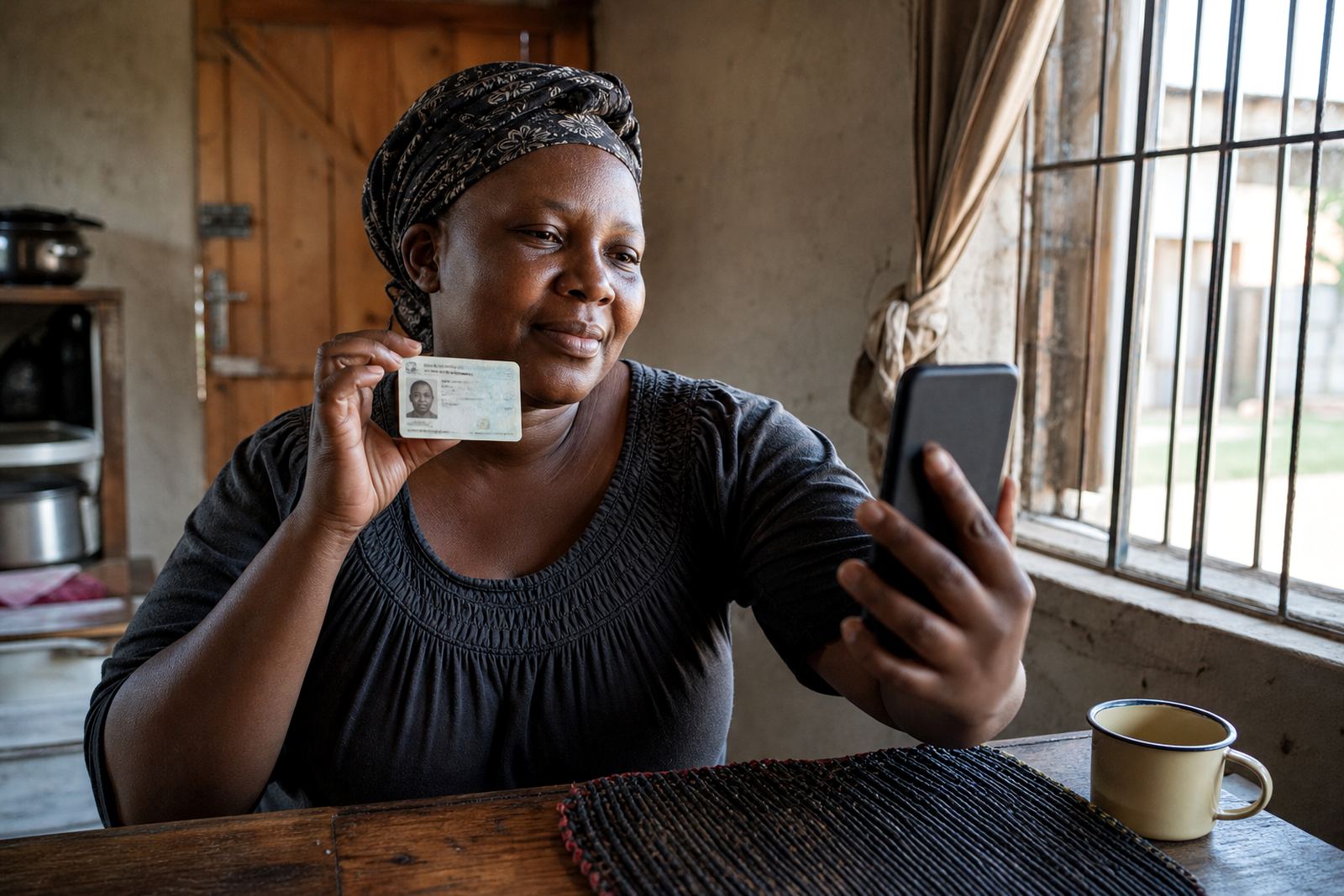
Picture a financial or credit-related business in Johannesburg that opens accounts for customers in Pretoria, Durban and Cape Town. The customer completes the application online, uploads the document details, and then joins a short guided video session. The agent checks the ID, compares the face, and records the session outcome against the application.
If the document image is poor or the person does not match the submitted details, the escalation route is already defined. If the session is clean, the file can move forward with the rest of the customer due diligence steps. That is the value of a well-planned remote check. It does not replace every other control, it sits neatly among them.
In practice, this works best when operations, integration and training are handled together. A business that plans the session but ignores the handoff into its own system ends up with gaps. A business that tests the flow with a pilot launch and then stabilises the process has a better chance of keeping the record tidy.
Where operations teams usually need support
Most teams do not struggle with the idea of identity checks. The trouble starts when the workflow has to run inside existing systems, with staff, supervisors and client records all moving at the same time. That is where integration planning, API coordination and quality monitoring become part of the daily work, not side notes.
A business may also need help with change request support when the onboarding path shifts, or refresh training when new staff join the team. Agent script design matters too, because the wording has to suit real customer calls and not sound stiff. Operational reporting helps managers see where sessions fail, where they are paused, and which branch or client group needs more attention.
PersonVideo ID is based in Rosebank, Johannesburg and supports businesses nationwide. Thabo Mokoka leads the team, with Naledi Adonis handling operations, Jared Jantjies on integration, Anele Nortje on training, Megan Vermaak on client success, Sibusiso Gamieldien on quality assurance, and Leila Petersen leading verification. That combination helps when a process must move from planning into live use without muddying the file.
- Workflow Mapping for the end-to-end customer path.
- API Coordination for system handoff and record flow.
- Staff Training for agents, supervisors and support teams.
- Go Live Stabilising when the process is first put into use.
What a careful CDD process looks like in practice
A careful customer due diligence process is usually plain and disciplined. The business collects the right information, checks the person against the record, and keeps a clear trail of what was reviewed. The remote video piece fits best when it supports those habits rather than replacing them.
It also helps when the team treats the session as one control point among several. Screening, document checks, escalation rules and record management still matter. The video session simply gives the business another way to test whether the person who applied is the person now sitting on screen. That is often useful where the customer is remote, the branch is elsewhere, or the file needs one more verification step before the account is opened.
For South African businesses, this can be especially practical when customers are spread across Johannesburg, Pretoria, Sandton, Midrand, Cape Town, Durban and Gqeberha. The method stays the same even if the geography changes. The controls sit in the file, and the file sits in the process.