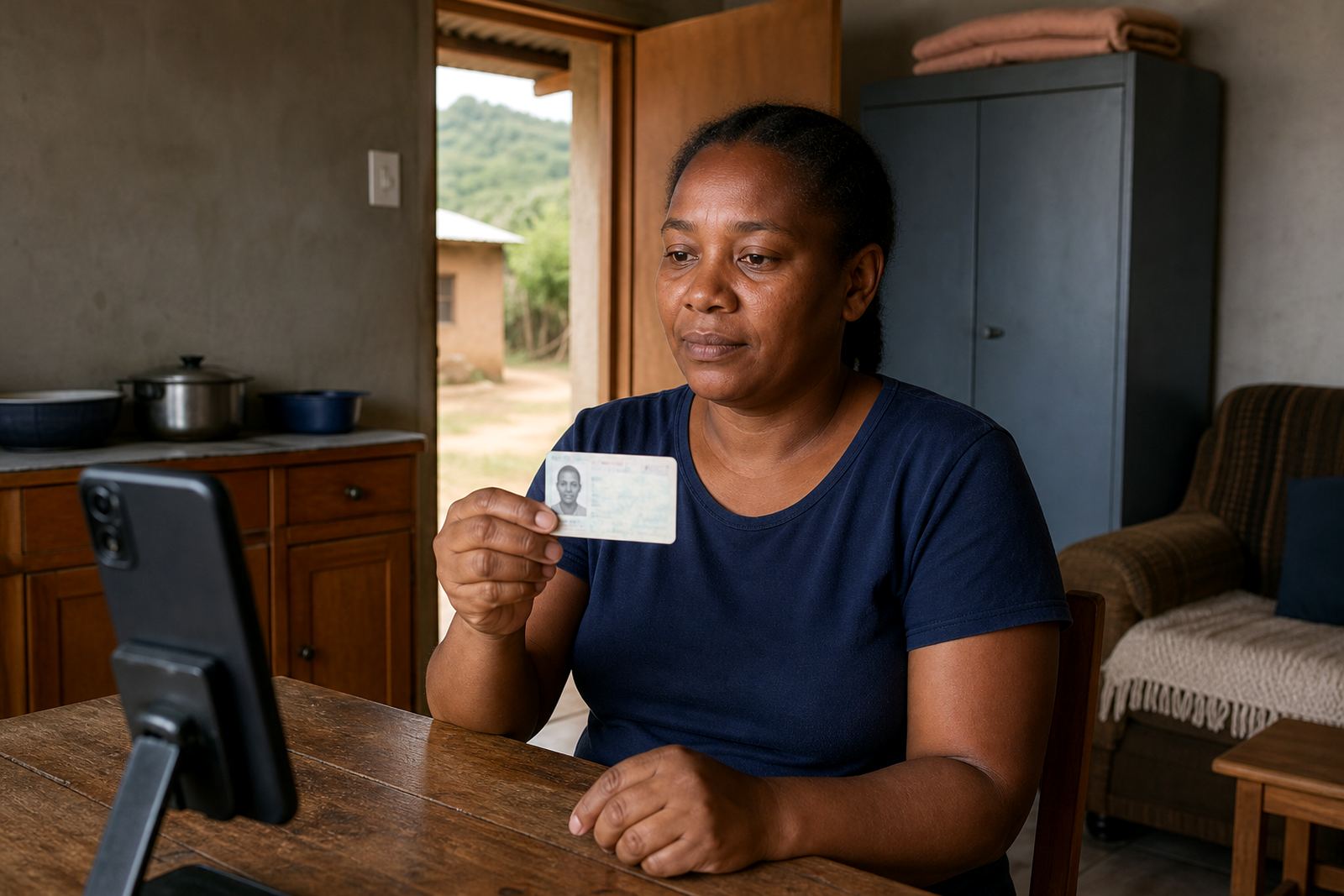
When the line is thin, the checks stay disciplined
This session is built for onboarding where signal drops, mobile data is tight, or the customer is joining from a phone that cannot carry heavy video well. The agent keeps the pace steady, asks for the ID document in a clean frame, and manages the sequence so the capture is still usable for customer due diligence and record keeping.
The process works best where the customer can join a short guided video call, hold a South African ID book, smart ID card, passport or other accepted identity document clearly to camera, and complete the consent steps without rushing. The low bandwidth setup reduces visual clutter, trims unnecessary motion, and helps the verification team keep the face image, document image and session notes aligned.
Session sizes and channel options
We set this up in a few operational forms, depending on how your onboarding team works. Some clients only need a single low bandwidth flow for all customers, while others split the process by risk tier, branch region or product line.
- Single session flow for standard customer onboarding
- Two step flow where the document capture and face check are separated
- Mobile first flow for customers using phones on limited data
- Agent assisted flow for weaker connections and longer queues
- Batch assisted rollout for teams across multiple provinces
The session can be matched to your internal screening rules, your call centre hours, and your preferred account opening steps. For some businesses the capture is done before the final approval step, for others it sits alongside the first customer contact and then feeds the result into the onboarding file.
Where this session suits the work best
Low bandwidth handling suits businesses that serve customers outside the main city fibre zones, or teams that work with mobile users who move between towns, taxis, offices and home connections. It is practical for Johannesburg, Pretoria, Cape Town, Durban and Gqeberha onboarding flows, and also for Sandton, Midrand and Rosebank teams that still meet customers who join on patchy mobile signal.
It is a good fit for financial services, credit onboarding, telecoms, insurance, rentals, membership sign-ups and any workflow where the customer is not sitting in front of a branch counter. The same approach also helps where the client wants consistent record keeping for POPIA, a clear audit trail, and a structured remote check that can be reviewed later if the file is queried.
What gets installed or fitted into your workflow
This is a service workflow, not a physical appliance, so the fitting work sits inside your onboarding environment rather than on a wall or a floor. We map the steps, agree the consent wording, decide where the session begins, and then align the capture to your internal approval rules and CRM or onboarding system.
- Workflow mapping for the low bandwidth path
- API coordination with your system team
- Agent script design for constrained connectivity
- Staff training for onboarding and escalation handling
- Go live stabilising during the first live sessions
Where a client uses internal staff, we train them on the sequence, the minimum image standards, when to pause the call, and how to mark a failed capture for review. If your team works across several branches, we can standardise the script so the session is handled the same way in each location.
Care points that keep the record usable
The main care point is not speed, it is clarity. The agent should keep the customer framed from forehead to chin, ask for the document to be turned slowly, and avoid talking over the capture moments. Short pauses help when the connection stutters, because a blurred frame or clipped name line can make the record less useful for later review.
- Keep the lighting even, not backlit
- Hold the ID flat and near the camera
- Match the face to the document image carefully
- Use liveness prompts that the customer can follow easily
- Store session records under your retention rules
We also keep an eye on the operational side, including consent prompts, failed attempt notes and escalation design. That matters when a customer has poor signal, a damaged document, or a video feed that breaks just as the face comparison is being completed.
Details to confirm before the session goes live
Before ordering, confirm which documents you accept, whether the session must capture both front and back of the ID card, and how you want passport or temporary document cases handled. It also helps to settle the language of the customer instructions, the identity match threshold, and whether your team wants the call recorded or only the verification result stored.
For businesses across South Africa, the practical points are usually the same: the onboarding channel, the risk rules, the operator permissions, the escalation path and the report fields. If the process will sit inside a larger account opening system, we also check the handoff point, so the verification outcome lands in the right place without manual copying.
Support for teams spread across South Africa
Our Rosebank base serves clients in Johannesburg, Pretoria, Cape Town, Durban and Gqeberha, and we also assist teams working from Midrand and Sandton. The service is handled by Thabo Mokoka with support from Naledi Adonis, Jared Jantjies, Anele Nortje, Megan Vermaak, Sibusiso Gamieldien and Leila Petersen, each covering a different part of the onboarding flow.
That team structure helps when a client wants workflow mapping, integration planning, API coordination, staff training, agent script design, quality monitoring, escalation design, pilot launch support, operational reporting, refresh training, change request support and go live stabilising under one process. For ordering and setup conversations, clients can reach us through our contact form on the contact page.
Key facts
| Session type | Remote video identity verification for low bandwidth onboarding |
|---|---|
| Typical input | Live video, ID document capture, consent step, liveness prompts |
| Document support | South African ID book, smart ID card, passport and approved alternatives |
| Operational use | Customer due diligence, face comparison, record keeping and audit trail |
| Integration | API coordination, onboarding workflow mapping and reporting handoff |
| Service areas | Johannesburg, Pretoria, Cape Town, Durban, Gqeberha, Sandton and Midrand |