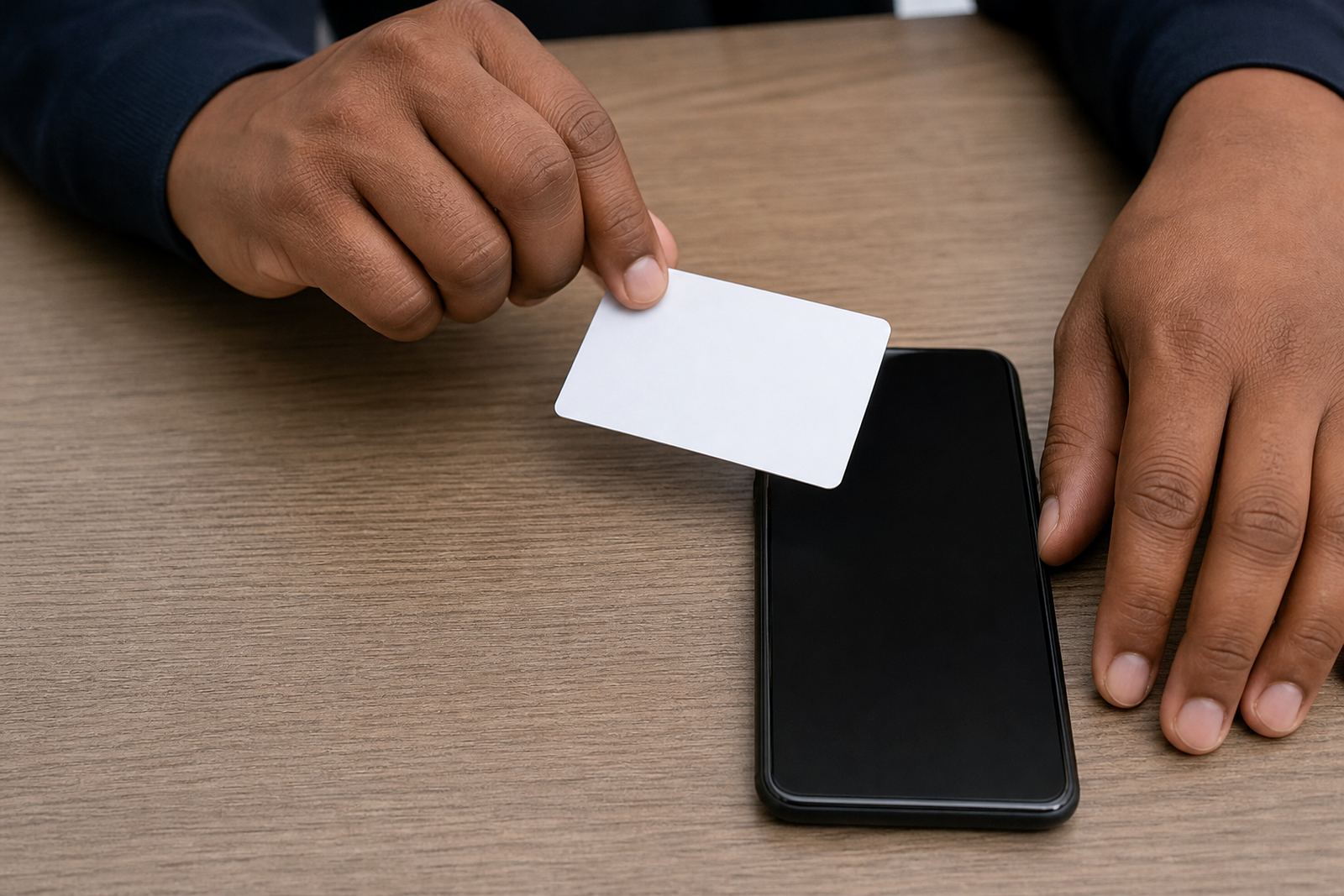
How the document is presented on a live call
The process is built for a short video session. The customer holds a South African ID book, smart ID card, passport, or another approved identity document in view of the camera while the agent checks the printed details, photograph, and visible security features. Good capture depends on steady framing, enough light on the document, and a clean view of the full page or card edge. The agent may ask for a slow tilt, a closer hold, or a brief pause so the text stays readable and the reflective elements can be seen.
This is not a rushed screen grab. The flow usually includes a clear front view, a second angle where needed, and face comparison during the same session. Where the business asks for it, a liveness check is added so the person on screen can be distinguished from a still image or replayed clip. The record should stay tied to the onboarding file with consent captured and retained under the business's own record keeping rules and POPIA controls.
- Clear view of the document number, name, and photograph
- Readable security features, where the document format allows it
- Face comparison against the live person on screen
- Liveness prompts where the workflow requires extra assurance
Formats, capture styles, and session options
ID document capture can be set up in more than one way. Some businesses want a straight document check inside a longer verification call. Others need a tighter flow with a single document step, then a handover to the next part of the onboarding process. The capture rules can be adapted for benchtop, tablet, or mobile use, as long as the session gives the agent enough screen space to assess details properly.
For higher volume teams, the session can be structured with a fixed script and a standard order of steps. For a more specialist onboarding counter, the wording may need to change by customer type, risk band, or product line. The document list can also be narrowed to suit the account type, such as a South African ID book, smart ID card, passport, asylum document, or another approved identity record used in the client's own due diligence process.
- Single document capture or multi-step verification flow
- Benchtop, tablet, and mobile-friendly session layout
- Scripted prompts for agents and customers
- Document rules that match the client's onboarding policy
Where the workflow fits into remote onboarding
This service suits firms that open accounts online and still need a human check on identity documents before activation. It is commonly used by finance teams, lending operations, rental onboarding, insurance administration, security screening, and any customer process where an ID document must be reviewed alongside the person presenting it. The method works well where the business wants a live view rather than a file upload only.
It also suits teams that have to keep records tidy across branches and remote staff. PersonVideo ID supports clients in Johannesburg, Pretoria, Cape Town, Durban, Gqeberha, Midrand and Sandton, with its base in Rosebank, Johannesburg. The team can map the document step into the wider workflow, so the verification point sits where it belongs between application intake and account opening.
- Remote customer onboarding with a live identity check
- Useful where a document and face must be compared together
- Works across multiple cities and branch teams
- Fits into account opening, review, or escalation steps
Setup, integration, and staff training on the ground
Document capture only works properly when the process is clear for the agent and the customer. That is why setup usually starts with workflow mapping, integration planning, and script design. The business may need API coordination so the verification result moves into its own system, or it may just need a clean operational handover between the portal and the internal record. In either case, the document stage should be easy for staff to run under pressure.
Training covers what to ask for, how to position the document, when to request a second view, and how to deal with glare, blur, cropped edges, or a customer who holds the document too far from the camera. Quality monitoring and escalation design help keep the process stable once it is live. If the client changes product rules, or adds a new customer category, refresh training and change request support keep the capture step aligned with the updated flow.
- Workflow mapping for onboarding teams
- API coordination and integration planning
- Agent script design for document handling
- Quality monitoring, pilot launch support, and go live stabilising
Care, record keeping, and handling the images properly
The document images and session records should be handled as controlled business records. That means keeping the files legible, storing them with proper access control, and making sure the verification trail can be found later if the customer file is reviewed. POPIA controls matter here, because the image set may contain identity information, signature marks, and other personal details that need careful handling.
Operational care is practical rather than technical. Staff should not rely on a single poor frame if the document was cut off or the photograph was not visible. If the client uses a refresh training cycle, the team can revisit the capture standards and the escalation rules so there is less back-and-forth when a document image is weak. Good records also help when a customer file is audited or a manual review is triggered.
- Keep images legible and tied to the correct customer file
- Restrict access to verification records and notes
- Use repeatable capture standards for all agents
- Review rejected frames and update the script where needed
What to confirm before ordering the capture flow
Before the workflow is switched on, confirm the document types to be accepted, the language used by the agent, and whether the client wants a basic face match or a tighter liveness step as well. Check whether the onboarding file needs one image, multiple frames, or a short session recording. The business should also decide how exceptions will be handled, such as a damaged document, a name that does not match the application, or a customer who is using a passport instead of an ID card.
It helps to confirm the reporting format too. Some teams want a simple pass, refer, or fail outcome, while others need a fuller operational report for audit and quality review. The right capture setup depends on volume, document mix, and how strict the internal checking rules are. Our contact form can be used to start that discussion with the PersonVideo ID team in Rosebank.
- Accepted document types and edge cases
- Whether liveness prompts are part of the flow
- Recording format, retention needs, and reporting output
- Internal review path for unclear or mismatched documents
Key facts
| Service type | Remote ID document capture for video verification |
|---|---|
| Main use | Guided presentation of identity documents during onboarding |
| Document formats | South African ID book, smart ID card, passport, and approved alternatives |
| Session method | Live video with face comparison and optional liveness checks |
| Support areas | Johannesburg, Pretoria, Cape Town, Durban, Gqeberha, Midrand, Sandton |
| Base | Rosebank, Johannesburg |