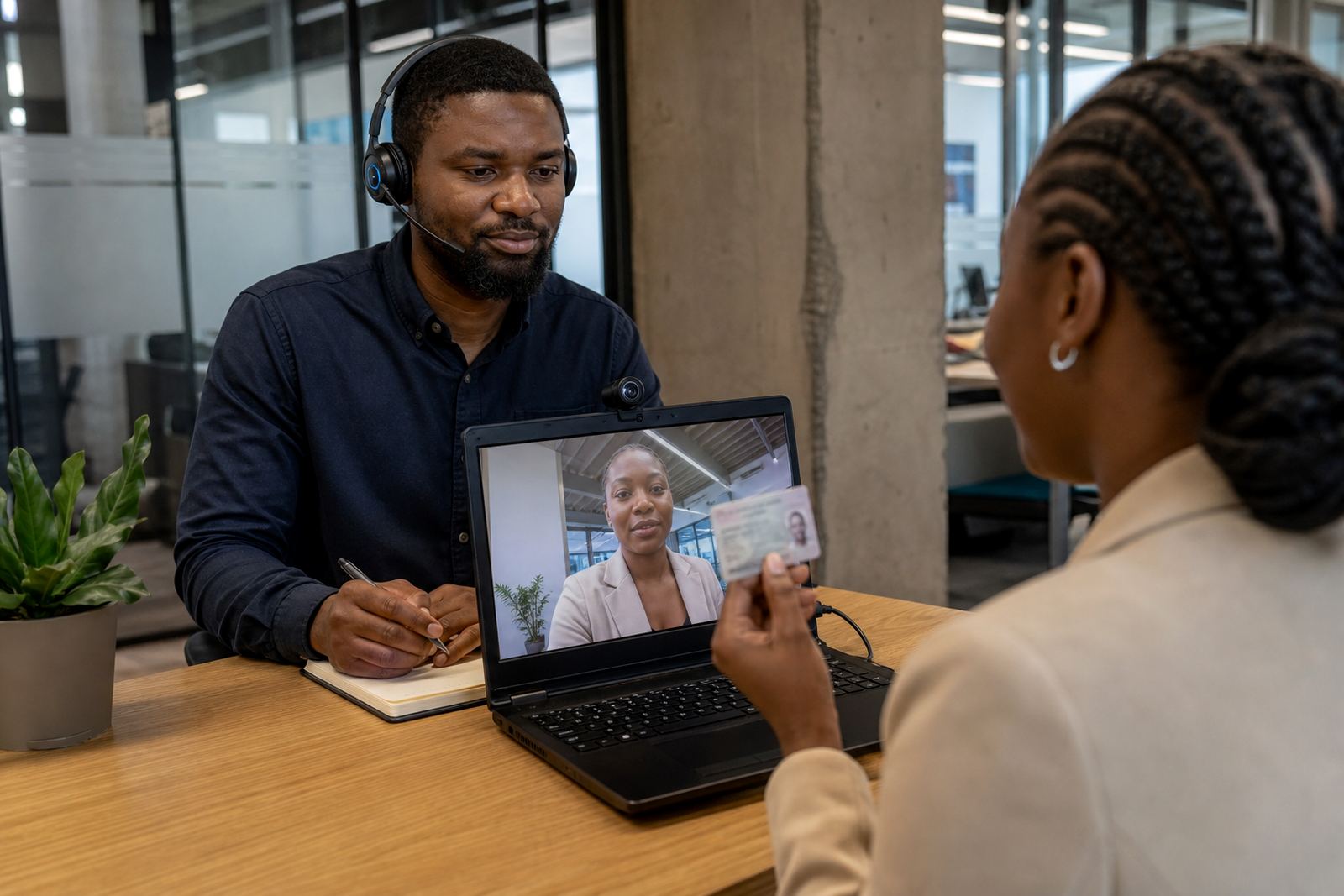
What happens during a verification session
A customer joins a guided video session and shows an identity document to the agent. The session may include face comparison, liveness checks and notes needed to complete customer due diligence for the business that requested the check.
- The agent may ask the customer to adjust the document for a clear view.
- The session can include still images or screen captures linked to the verification record.
- Identity details are checked against the person on screen and the details provided by the business.
Consent and customer awareness
Before the session moves ahead, the customer should know that their image, ID details and related verification data will be captured for the purpose of identity checking. Where a business needs consent wording or a disclosure step in its flow, our team can help shape that script so it fits the process and stays plain.
- Consent should be clear enough for the customer to understand what is being recorded.
- Only the information needed for the verification flow should be collected.
- If a session cannot proceed, the reason is recorded in the case notes.
What records are kept
Verification records usually include the session outcome, the identity document details, supporting images and operational notes. These records help the client business keep an audit trail for onboarding and internal review.
- Session logs record who completed the check and when it was processed.
- Images and notes are tied to the specific verification case.
- Operational reporting can show trends such as failed checks, rework and escalation points.
How privacy-aware handling works
Information is handled with POPIA principles in mind, which means limiting access, keeping records tied to a clear purpose and handling customer information carefully. Staff training, script design and quality monitoring all support that approach without turning the process into a legal lecture.
When a business uses our workflow, the team can define who may view a case, what gets stored and when an escalation is needed. That matters for Johannesburg offices, Cape Town teams and clients working across several provinces at once.
Security controls during the process
Remote verification works best when the operational steps are tightly controlled. Access should be limited to trained staff, records should stay within the agreed workflow and any integration points should pass only the fields needed for the identity check.
- Agent access can be restricted by role.
- Integration planning can limit the data fields shared between systems.
- Quality assurance reviews can flag missing steps or weak captures.
How clients can handle updates or requests
If a customer asks about their record, the request should go through the business that collected the information, unless the client workflow says otherwise. Our role is to support the operational side, including change request support, refresh training and escalation design when the process needs a cleaner path.
For businesses that onboard online, this often means keeping the privacy notice visible in the right place, making the consent step easy to follow and aligning the video script with the rest of the account opening flow.
Getting the privacy flow in place
Teams in Rosebank, Sandton, Midrand and farther afield often need the same practical pieces in different forms. Workflow mapping, API coordination, agent script design and pilot launch support all help the privacy step sit neatly inside the verification journey.
- Map the journey from invitation to final outcome.
- Set the consent wording before customer sessions go live.
- Train agents on clear document capture and record notes.
- Use operational reporting to check where the process needs tightening.